Calendar, Support, and Switch User
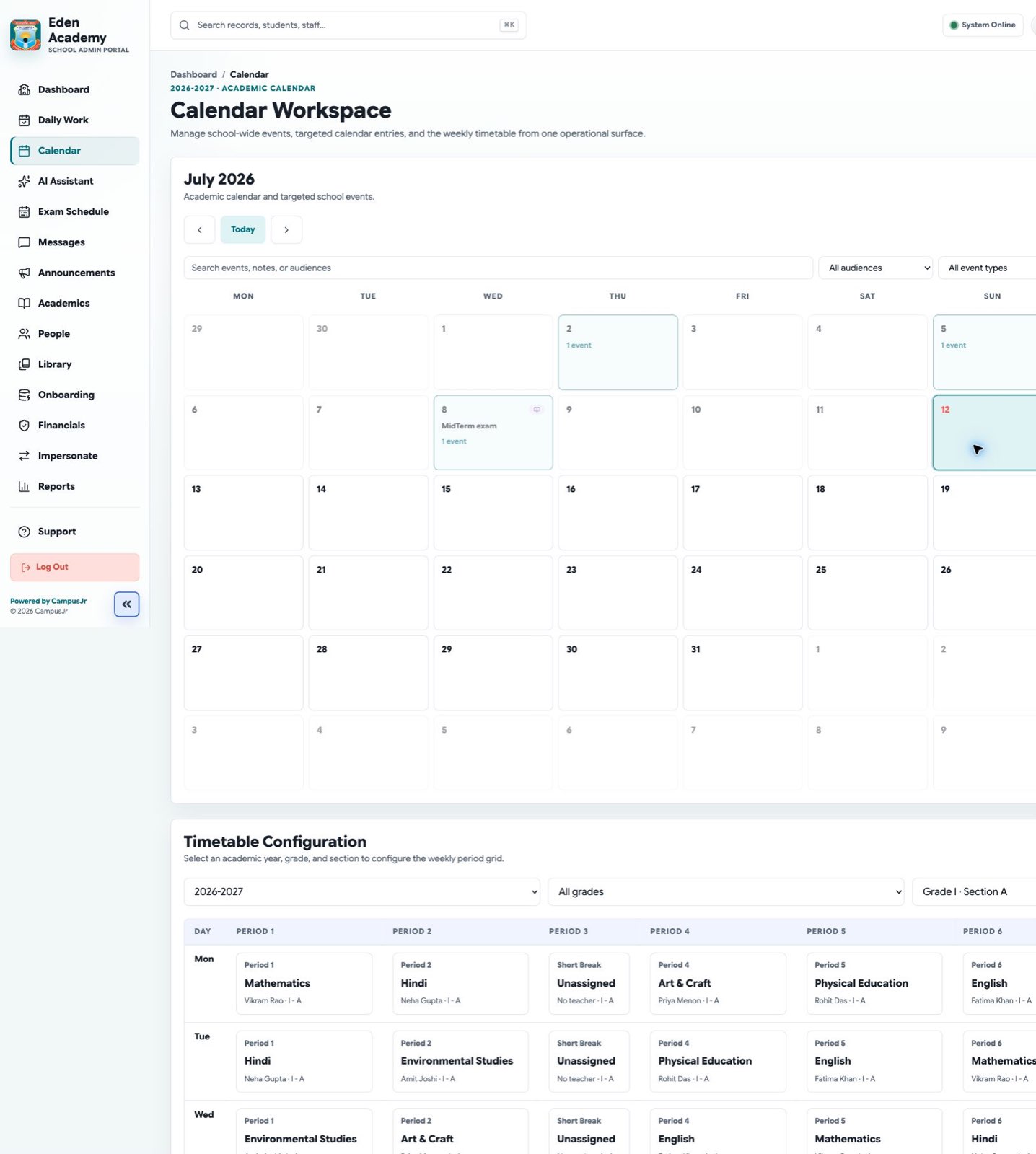
School admins coordinate several oversight workflows outside the main dashboard: calendar review, support ticket follow-up, and supervised user switching.
Calendar workspace
- Review published school events and academic exceptions.
- Use the calendar to verify dates that affect attendance, timetable, and announcements.
- Keep the calendar aligned with term dates, exams, and school closures.
Support queue
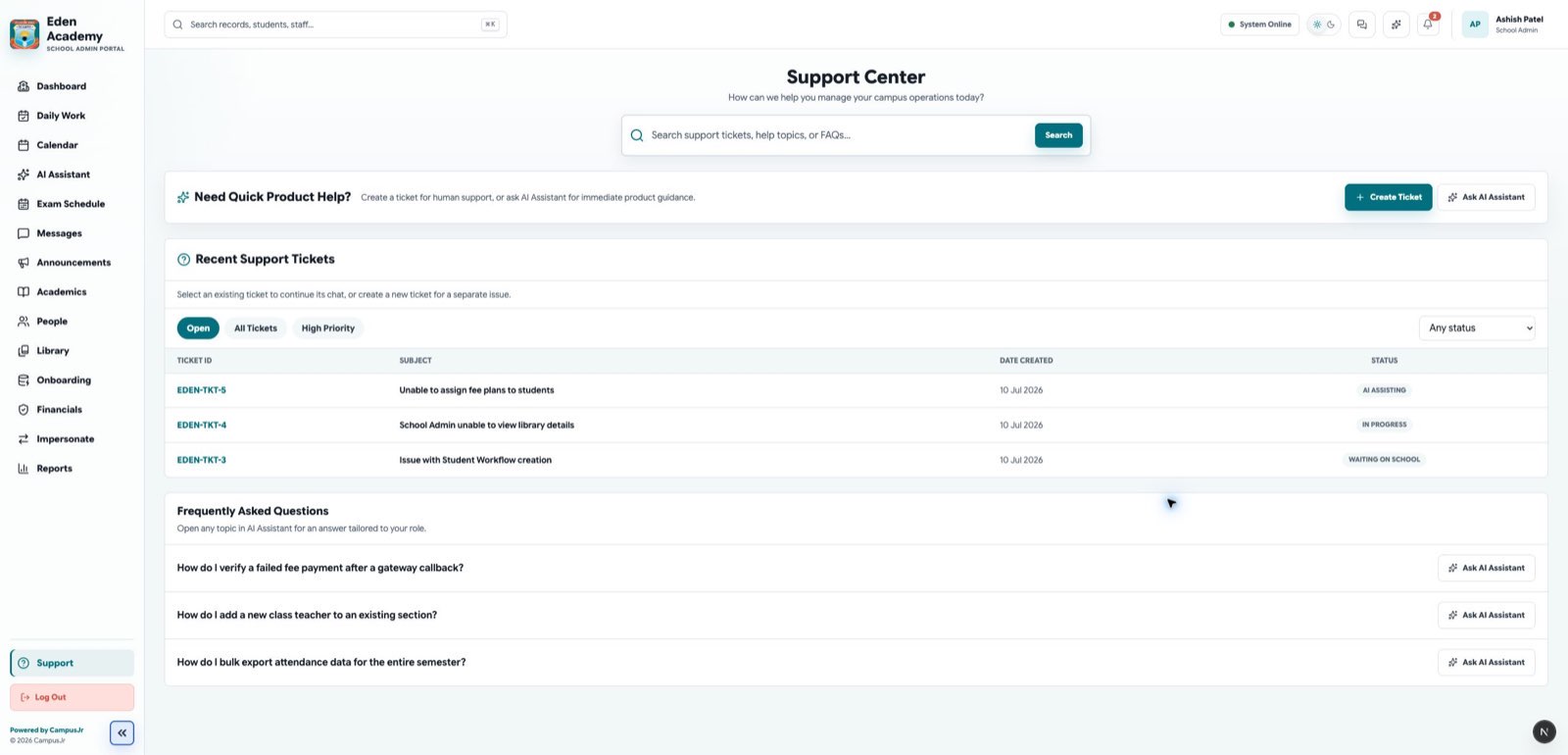
- Open support when the school needs product help or operational escalation.
- Assign, reply to, close, or reopen tickets based on current progress.
- Keep issue descriptions specific so support users can act quickly.
Switch user boundaries
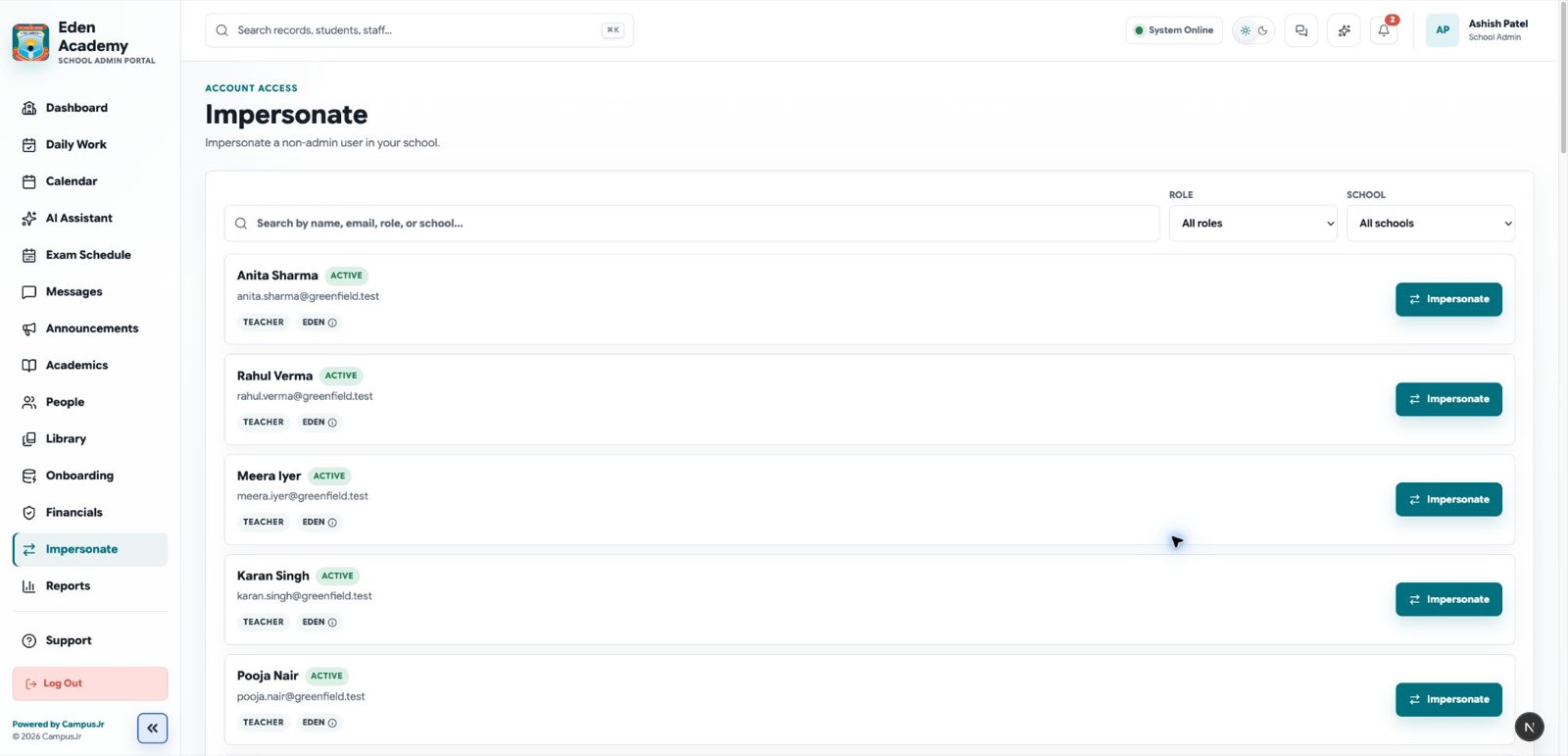
- School admins can switch into non-admin users within their own school only.
- Use switch user to verify role-specific experiences or unblock user support.
- Exit the switched session as soon as the review is complete.
Good habits
- Check the calendar before publishing date-sensitive notices.
- Keep support tickets tied to one issue each.
- Use switching for verification, not routine work on behalf of another user.