Student and Staff Management
School admins use the directory workspace to manage student records and staff access from one place.
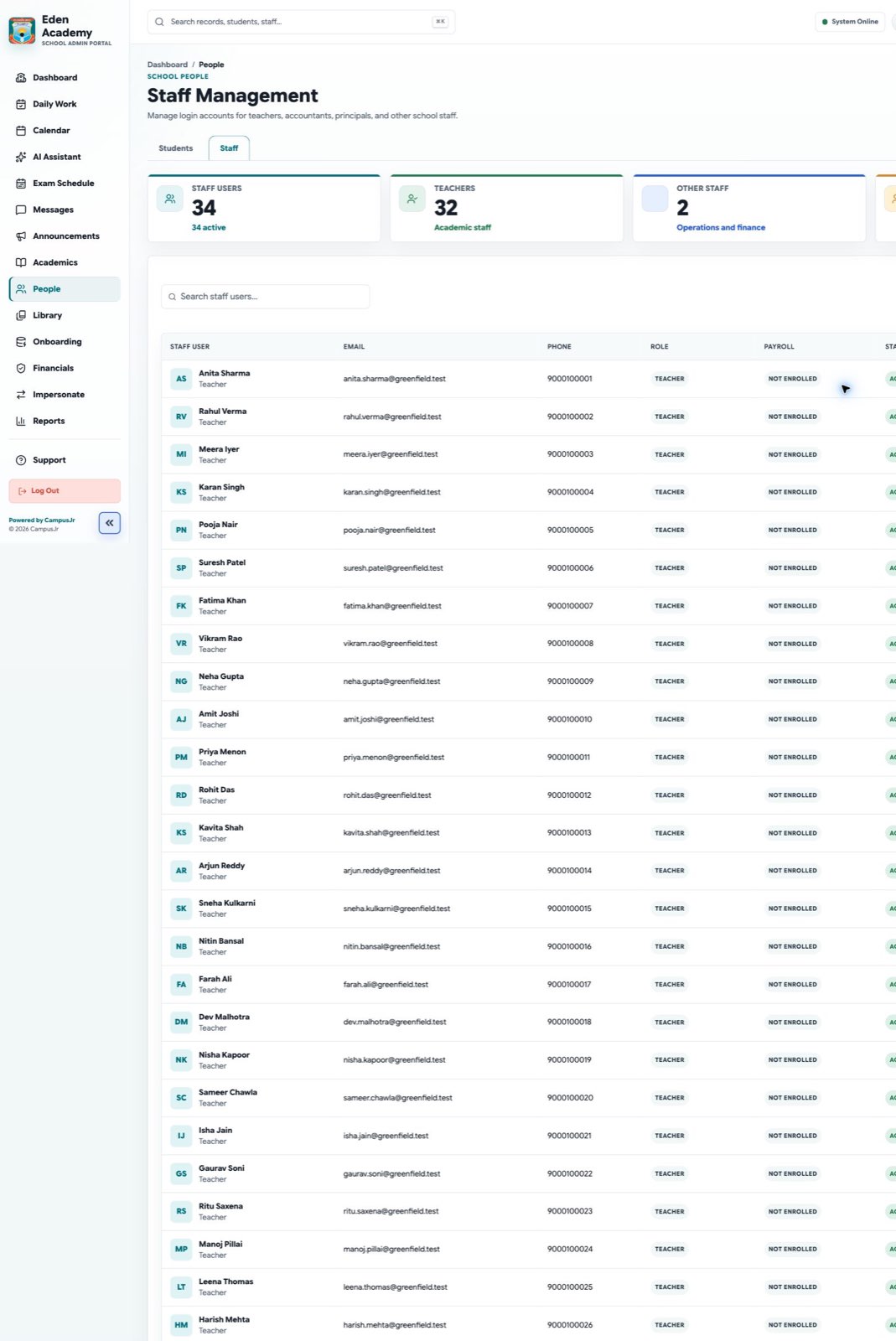
The same workspace supports student search and school-user access management.
Student directory
- Search students by name, class, or section.
- Open student profiles for detail review.
- Upload, replace, or remove a student photo from the profile when an up-to-date image is needed. Supported image formats are PNG, JPG, GIF, and WebP, up to 5 MB.
- Use imports when many records need to be created or updated together.
- Confirm guardians and section mapping before attendance or fee follow-up begins.
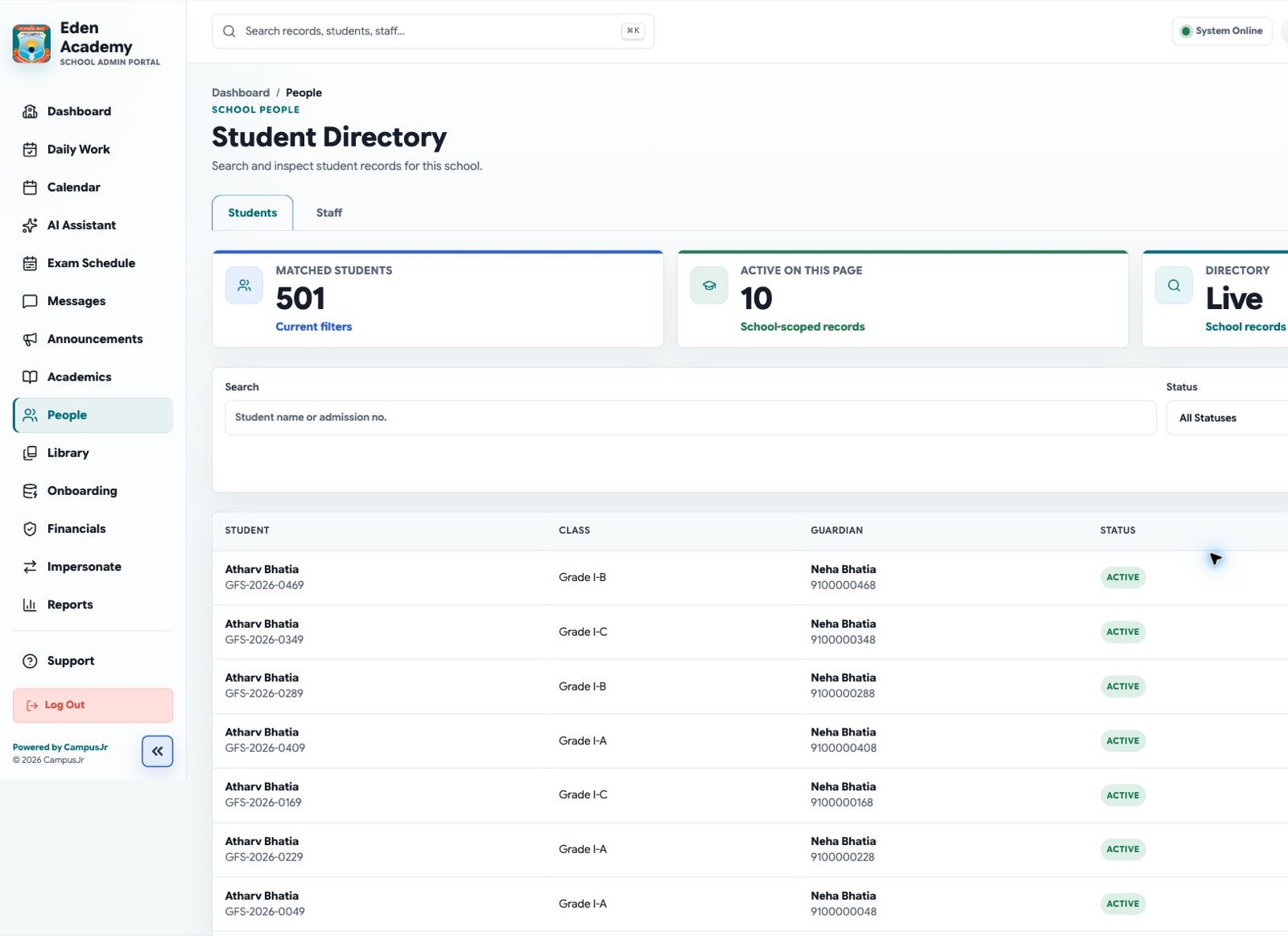
Student profiles help school teams verify class placement and contact data before operational follow-up.
Staff access
- Create or edit school-user accounts for teachers, accountants, librarians, principals, and staff.
- Assign the Transport Staff role before assigning a driver or conductor to a vehicle. The Transport module must be enabled for the school first.
- Keep role assignments accurate and school-scoped.
- Suspend access when a user should no longer sign in.
- Review login contact details before term start.
Good controls
- Do not reuse accounts between staff members.
- Confirm role changes with the affected workflow owner.
- Keep student and staff edits tenant-specific to the current school.