School Admin Guide
School admins and principals manage the daily operating setup for a school.
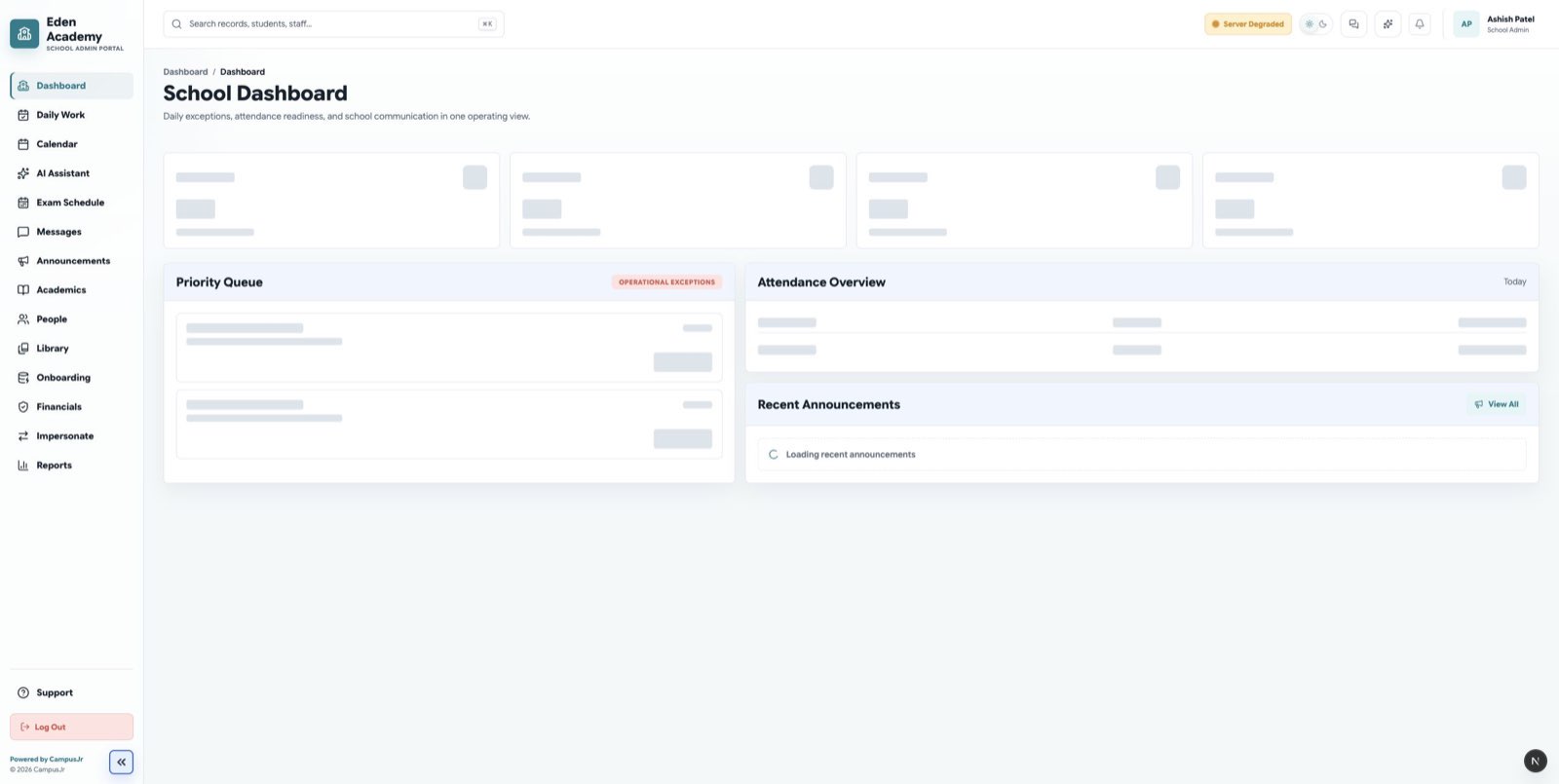
Use the admin dashboard to see operational exceptions and daily school activity.
Main responsibilities
- Keep the school profile, academic year, timetable, and calendar current.
- Manage students, guardians, teachers, accountants, librarians, and other staff access.
- Review onboarding readiness before the school goes fully live.
- Review attendance, finance, support, and library exceptions.
- Approve or reject changes that require school-level oversight.
- Publish announcements and review operational reports.
Daily checklist
- Open the admin dashboard.
- Review attendance exceptions.
- Check onboarding readiness or any pending setup gaps.
- Review finance or library requests that need admin approval.
- Confirm recent announcements, support activity, and fee reminders.
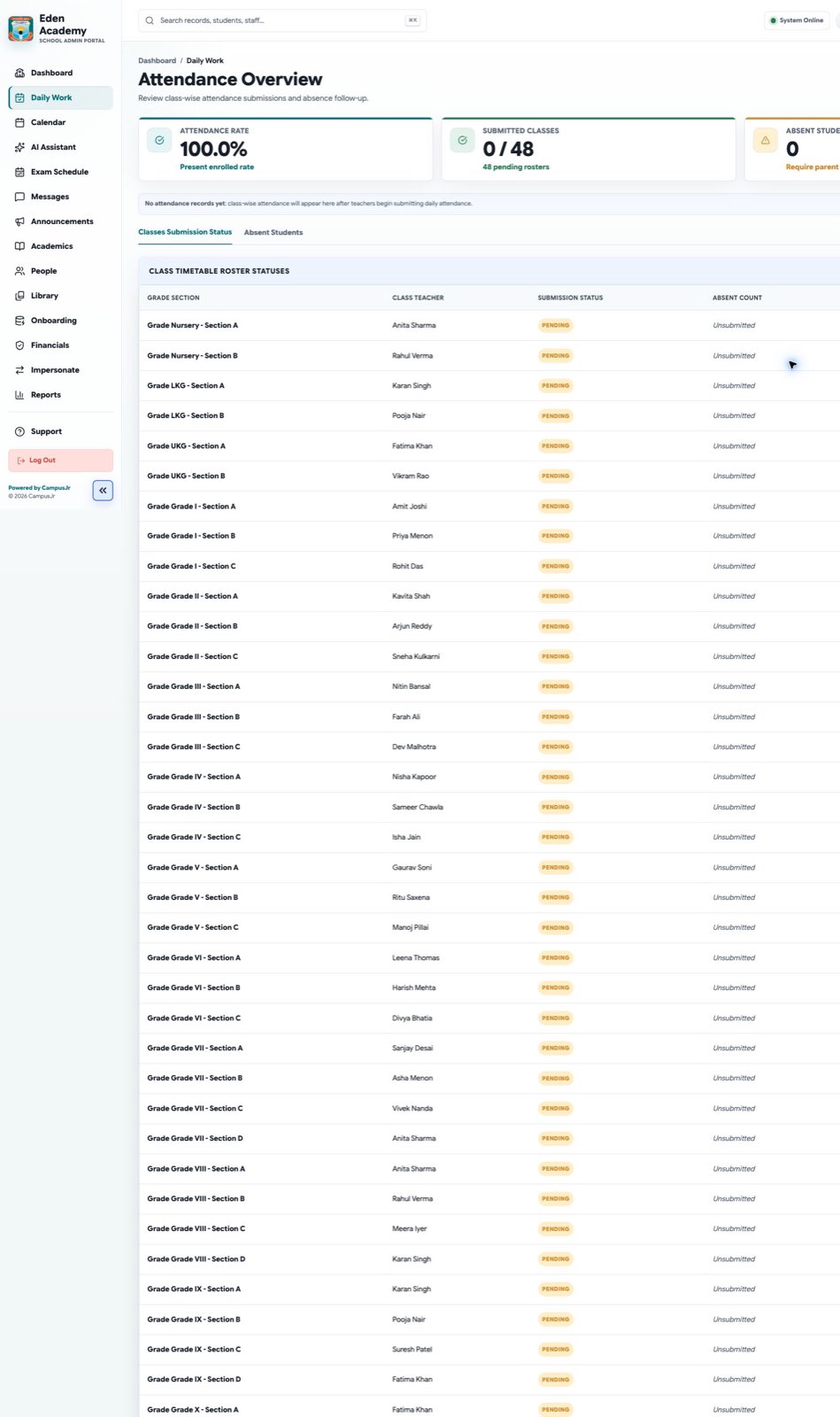
The attendance overview helps admins review submissions, absences, and follow-up needs.
Setup checklist
- Academic year and term are active.
- Classes and sections are created.
- Teachers are assigned to the right sections.
- Student and guardian records are complete.
- Accountant access is available for fee setup.
- Librarian access is available if the library portal is in use.
- Transport Staff access and vehicle setup are available if the transport workflow is in use.
For large onboarding batches, use Onboarding Workbook Import instead of adding setup records one by one.
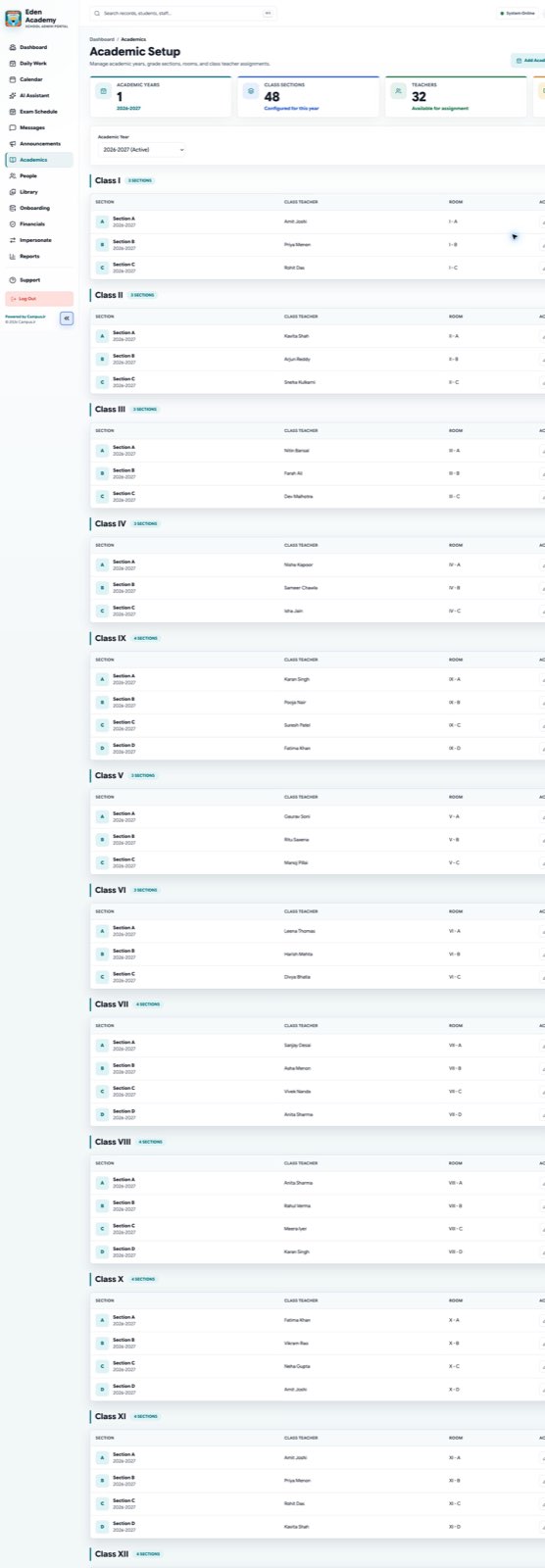
Class and section setup should be completed before teachers begin daily attendance.
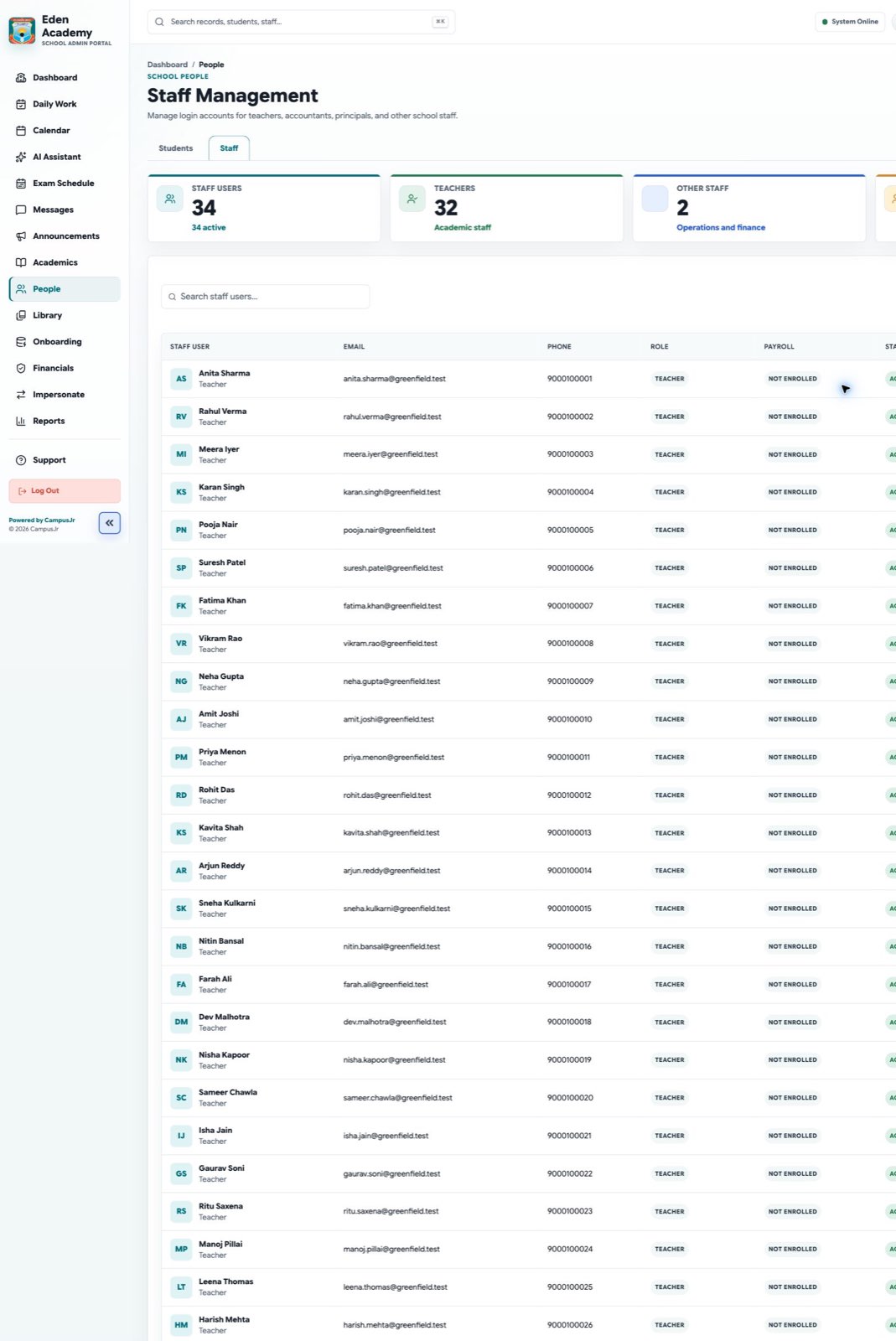
Use staff management to keep teacher and staff access current.