Teacher Guide
Teachers use the current campusJr teacher web workspace to manage classroom tasks, schedules, attendance, homework, marks, and communication.
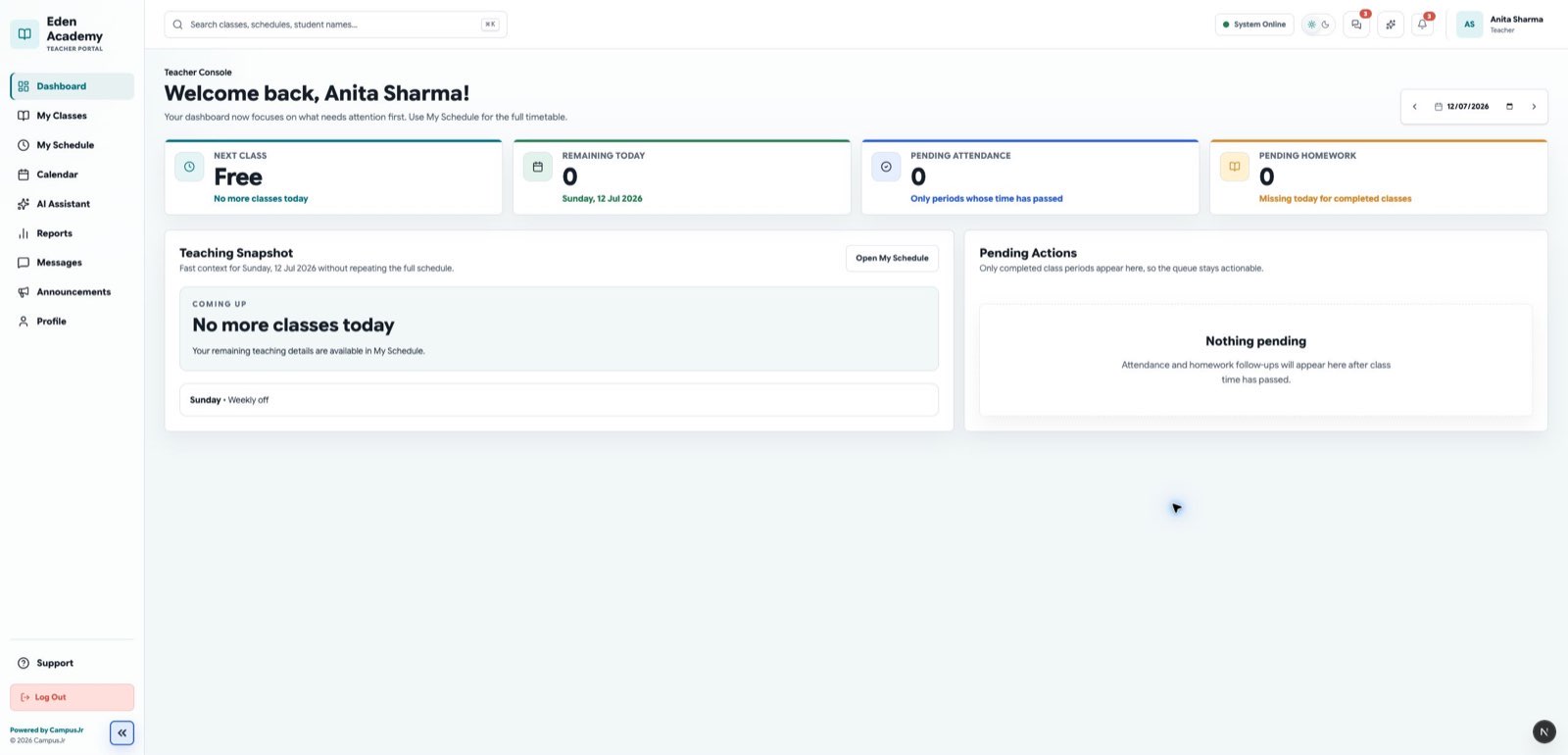
Teachers sign in through the Teacher web portal.
Daily tasks
- Review the teacher dashboard and pending work.
- Open assigned classes and class sections.
- Check timetable and calendar events.
- Mark class attendance.
- Submit attendance.
- Create homework or classwork.
- Enter marks when enabled.
- Read school announcements.
The teacher dashboard puts timetable, attendance, homework, and tasks in one place.
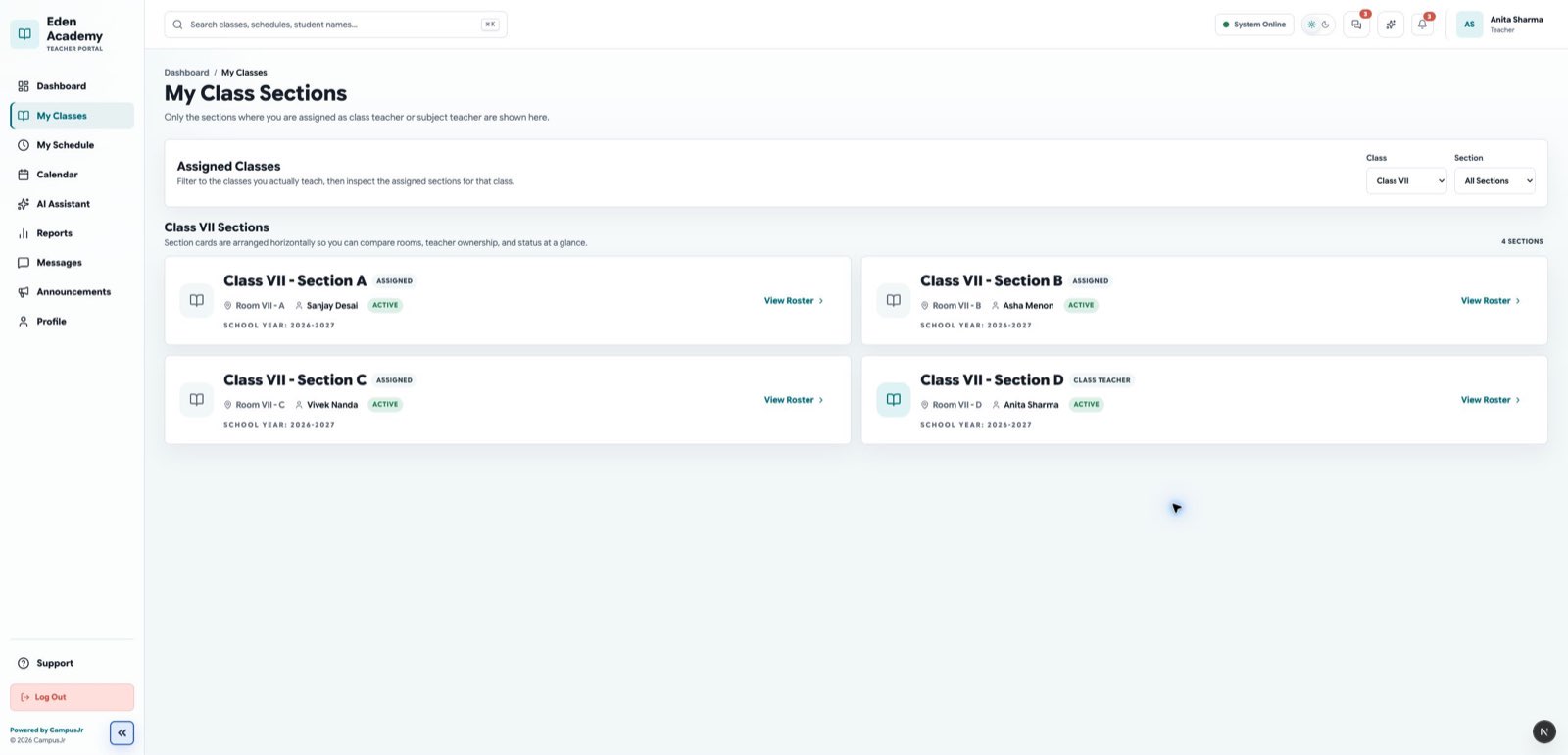
Open the class list to choose the assigned class or section you need to work on.
Mark attendance
- Open the Teacher web portal.
- Select the assigned class or section.
- Mark each student as present, absent, late, or excused.
- Review the summary.
- Submit attendance.
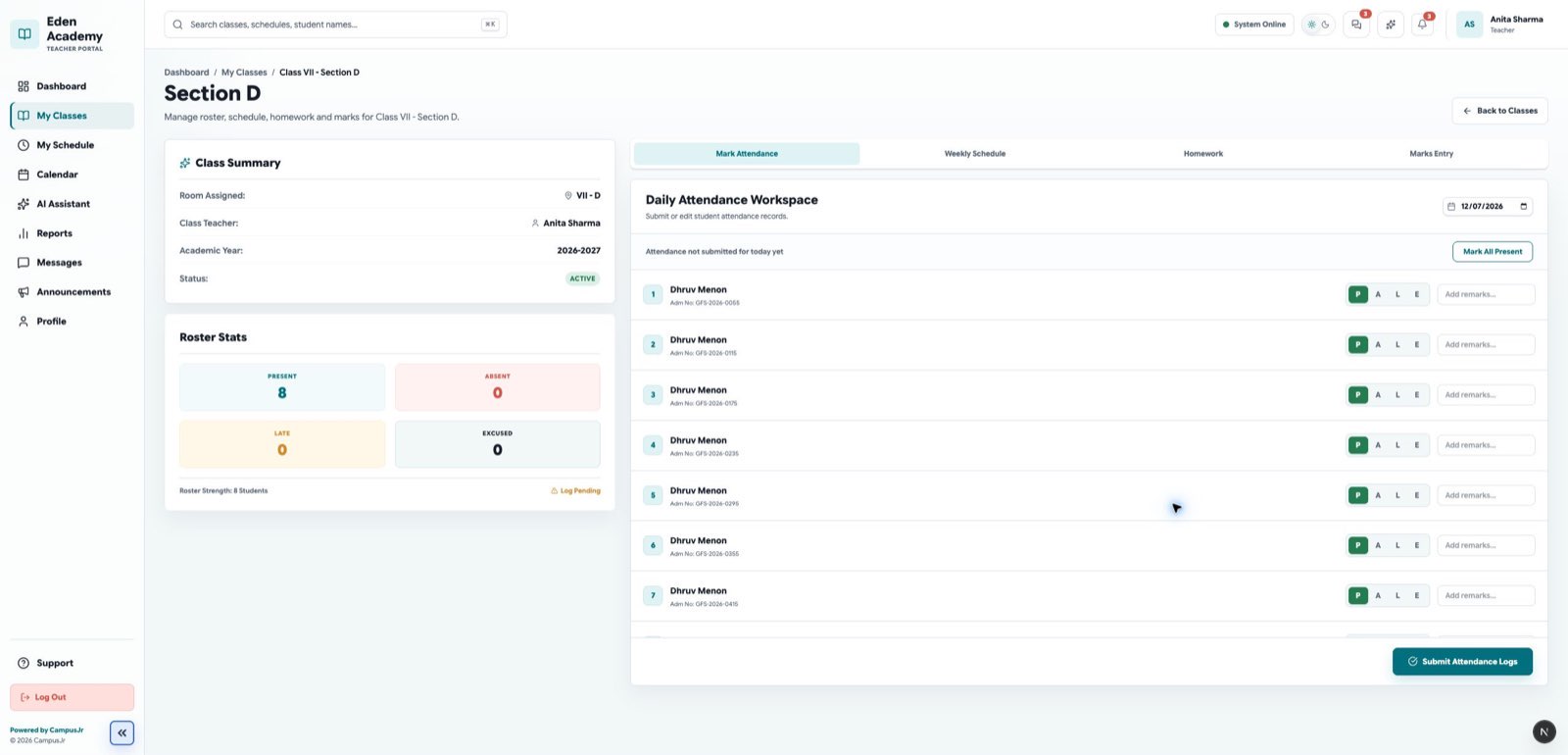
Attendance marking is designed for quick review and submission during class.
Attendance should be submitted only for assigned classes and sections.
Create homework and enter marks
Create homework with a clear title, class, due date, and instructions.
Marks entry keeps assessment work organized by class and subject.
Announcements
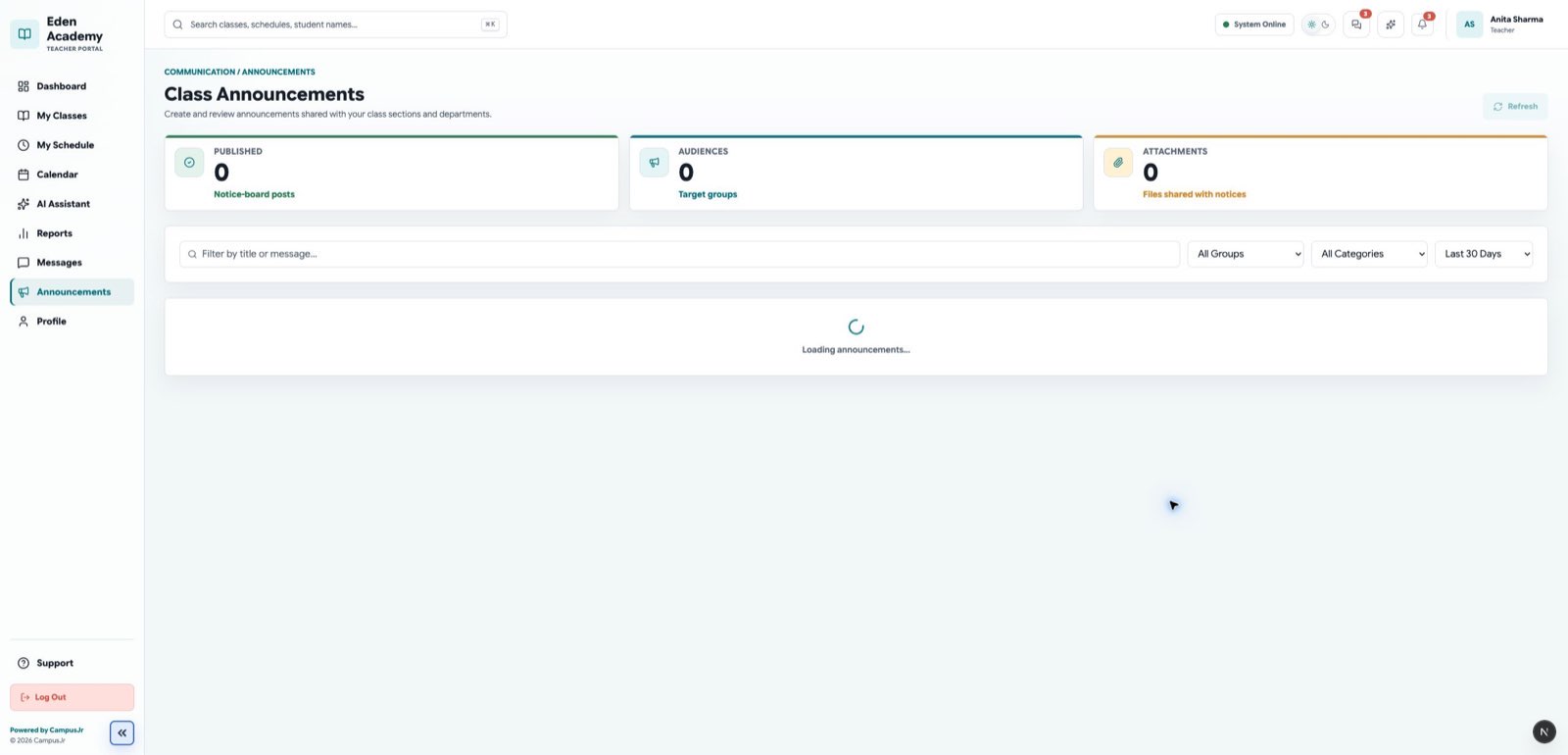
Teachers can create or review announcements when the school enables this workflow.
Good habits
- Submit attendance as soon as the class starts.
- Review absences before submitting.
- Use clear homework titles and due dates.
- Check announcements at the start of the day.
- Use reports to review section-level trends before parent or admin follow-up.