Dashboard and Classes
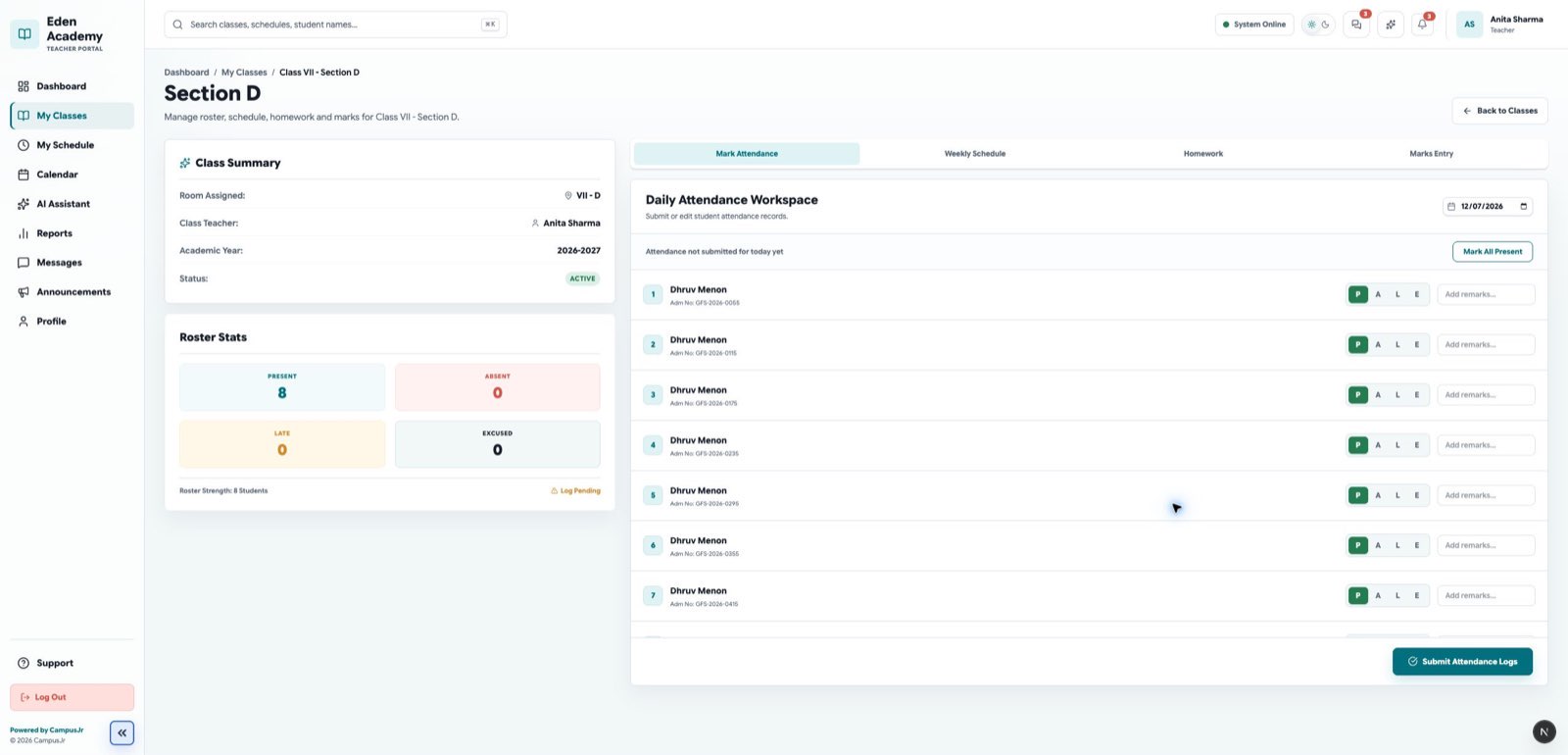
The teacher dashboard highlights work that needs attention first. Use it as the starting point, then move into class sections for teaching tasks.
Dashboard uses
- review pending attendance and homework follow-up
- check the next teaching periods
- look for communication that needs action
Class section uses
- open assigned sections only
- review the roster
- manage homework or classwork
- enter or review marks
- inspect section-level timetable details
- create a class test when marks entry is needed before an admin-scheduled exam exists
Good habits
- Start from the dashboard each morning.
- Open the class section directly when work is section-specific.
- Follow up on missing attendance before the day ends.
- Use the section page as the main workspace for marks entry, not the general dashboard.