Announcements
Announcements help schools share updates with teachers, parents, students, and staff.
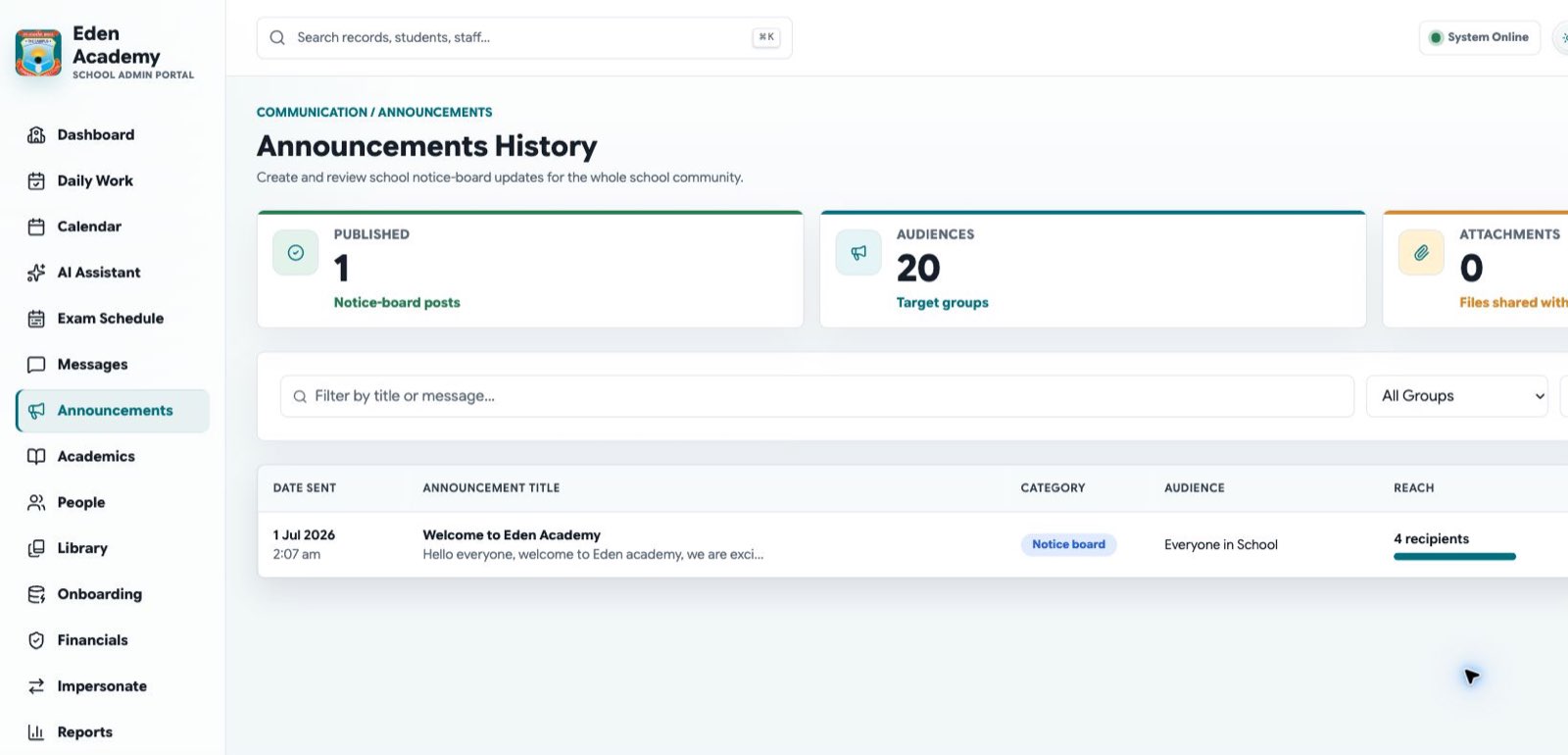
Use announcements for clear school updates with a specific audience and action.
Create an announcement
- Choose the audience.
- Add a clear title.
- Write the message.
- Add dates or attachments if needed.
- Review and publish.
Separate finance, timetable, and school-event updates when they require different follow-up owners.
Discuss an announcement
Open an announcement to use its discussion thread. Audience members can add a top-level comment or reply once to an existing comment; replies cannot start a second nested thread. This keeps operational follow-up readable.
- Use comments for questions, confirmations, or short updates that apply to the whole announcement audience.
- Use Reply to keep a response with the relevant comment.
- You can edit your own comment or reply when it needs correction.
- Use a limited-audience message instead for student-specific, financial, or other sensitive information.
Writing guidelines
- Keep titles short and specific.
- Include dates, times, locations, and required action.
- Use separate announcements for unrelated topics.
- Avoid sharing sensitive student information in broad announcements.
- Archive or replace outdated notices so the board stays operational.
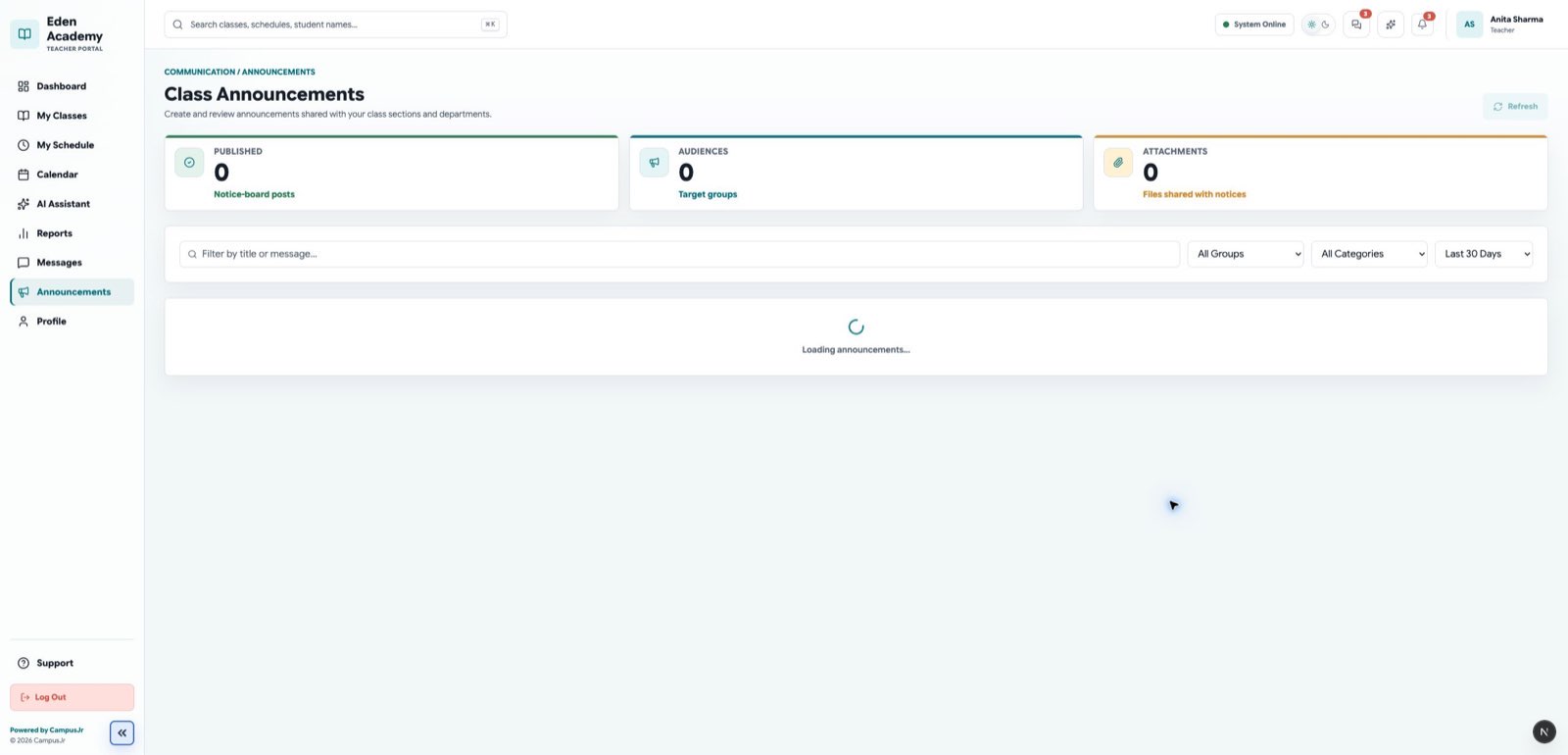
Teachers can review important daily updates from the Teacher web portal.
Mobile updates
In the campusJr mobile app, the updates indicator combines unread announcements and messages. Allowing notifications lets the app show device alerts for supported updates; opening an alert takes you to the relevant role workspace. If notifications are off, unread updates remain available in the app.