Product Help
Use these guides to complete daily campusJr workflows across the school admin, accountant, teacher, and librarian web portals, plus the principal mobile workspace.
Parent, student, staff, and transport mobile guidance will be added when those role experiences are released.
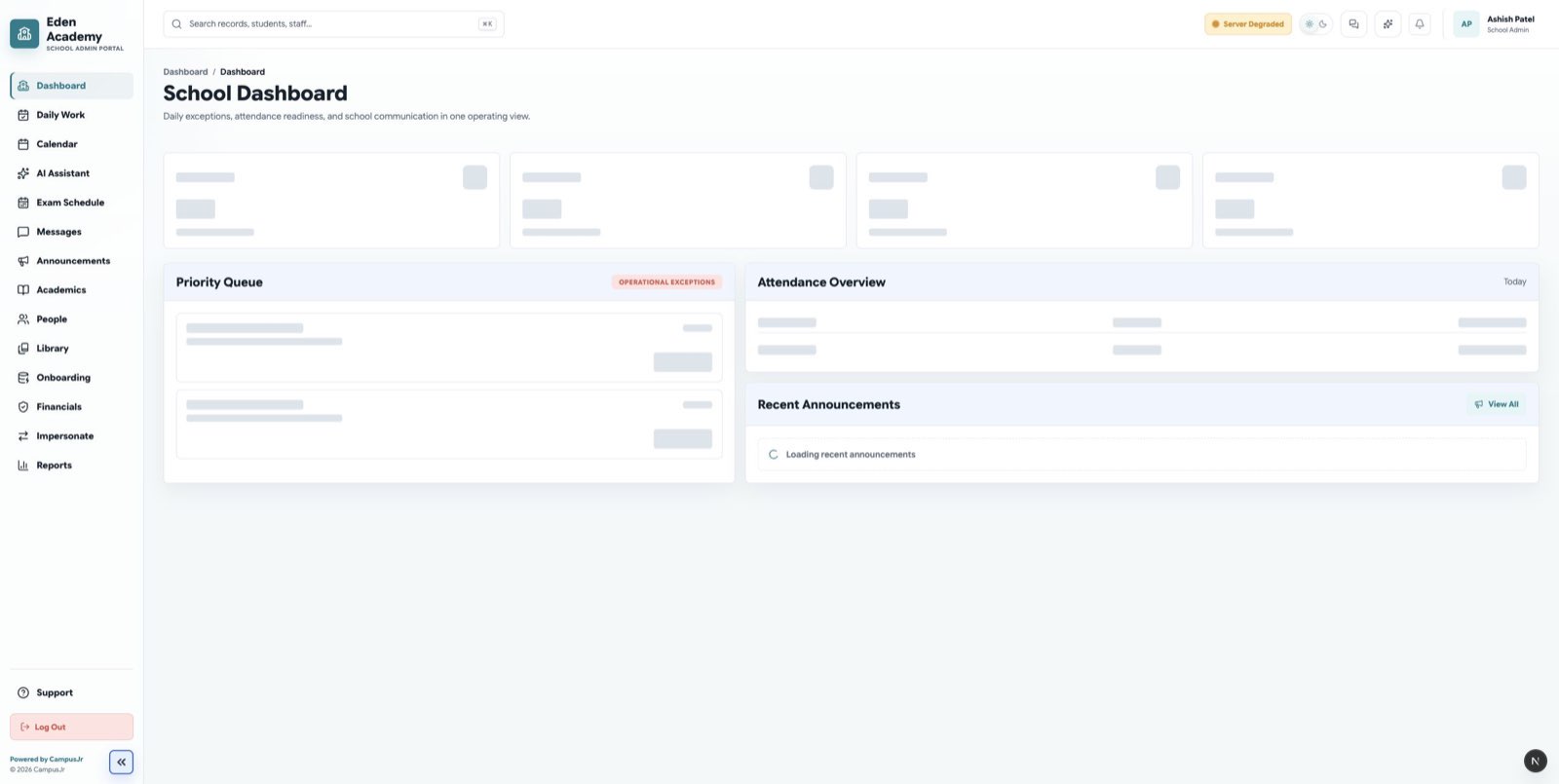
The school dashboard highlights daily operations, exceptions, and follow-up work for administrators.
Start with Getting Started if your school is new to campusJr. Role-specific guides are organized for school admins, principals, accountants, teachers, and librarians.
Supported role guides
- School Admin covers onboarding readiness, academic setup, people management, attendance review, support, and school oversight work.
- Accountant covers fee planning, dues, receipts, transactions, payroll, and finance review.
- Teacher covers the Teacher web workspace for dashboard tasks, classes, timetable, calendar, announcements, and reports.
- Principal mobile workspace covers daily attendance follow-up, academic oversight, communication, and school-level reporting on the campusJr app.
- Librarian covers inventory, workbook import, circulation, settings requests, and library operations.
Common product areas
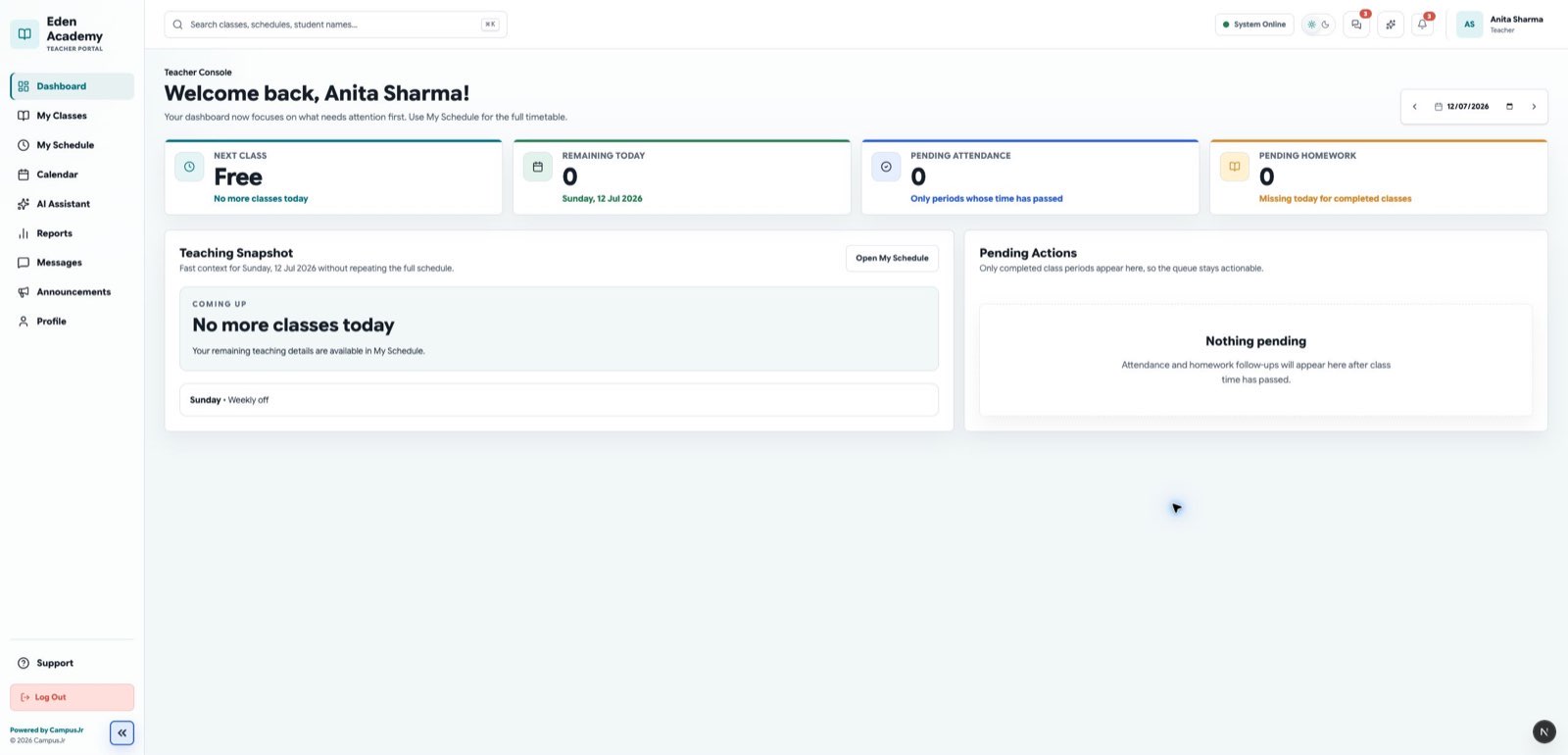
Teachers start from a daily web dashboard that keeps classes, attendance, timetable, and tasks close at hand.
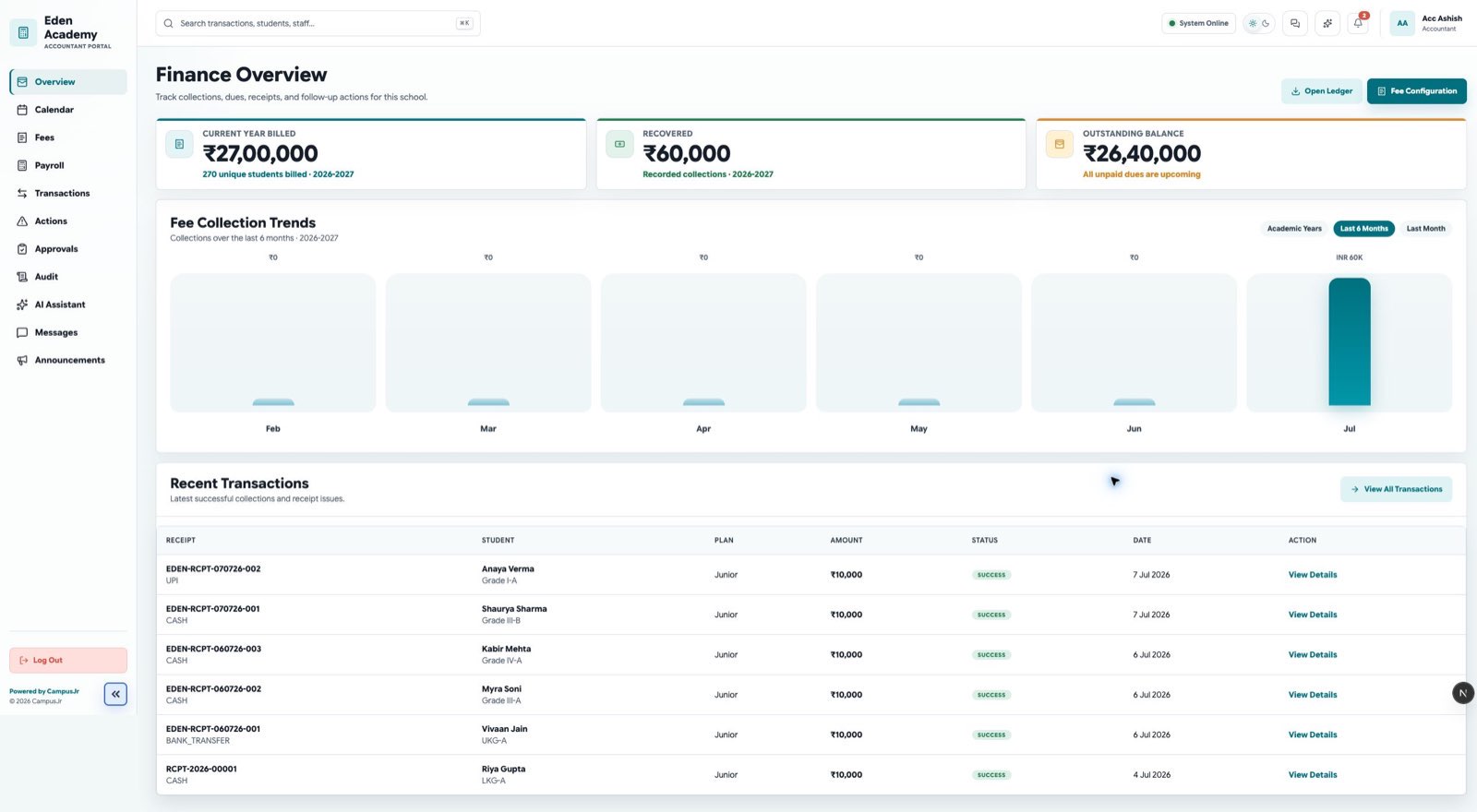
Accountants use the financial overview to monitor dues, payment status, and reconciliation work.
Shared workflows
- Announcements explains how teams publish and review school-wide updates.
- Reports explains the current CSV and class-report workflows used by school admins and teachers.
- AI Help Assistant explains how to get context-aware answers and draft support tickets.
- Communication & Messaging explains direct messaging, group channels, and role-based privacy scopes.