Reports, Support, and Profile
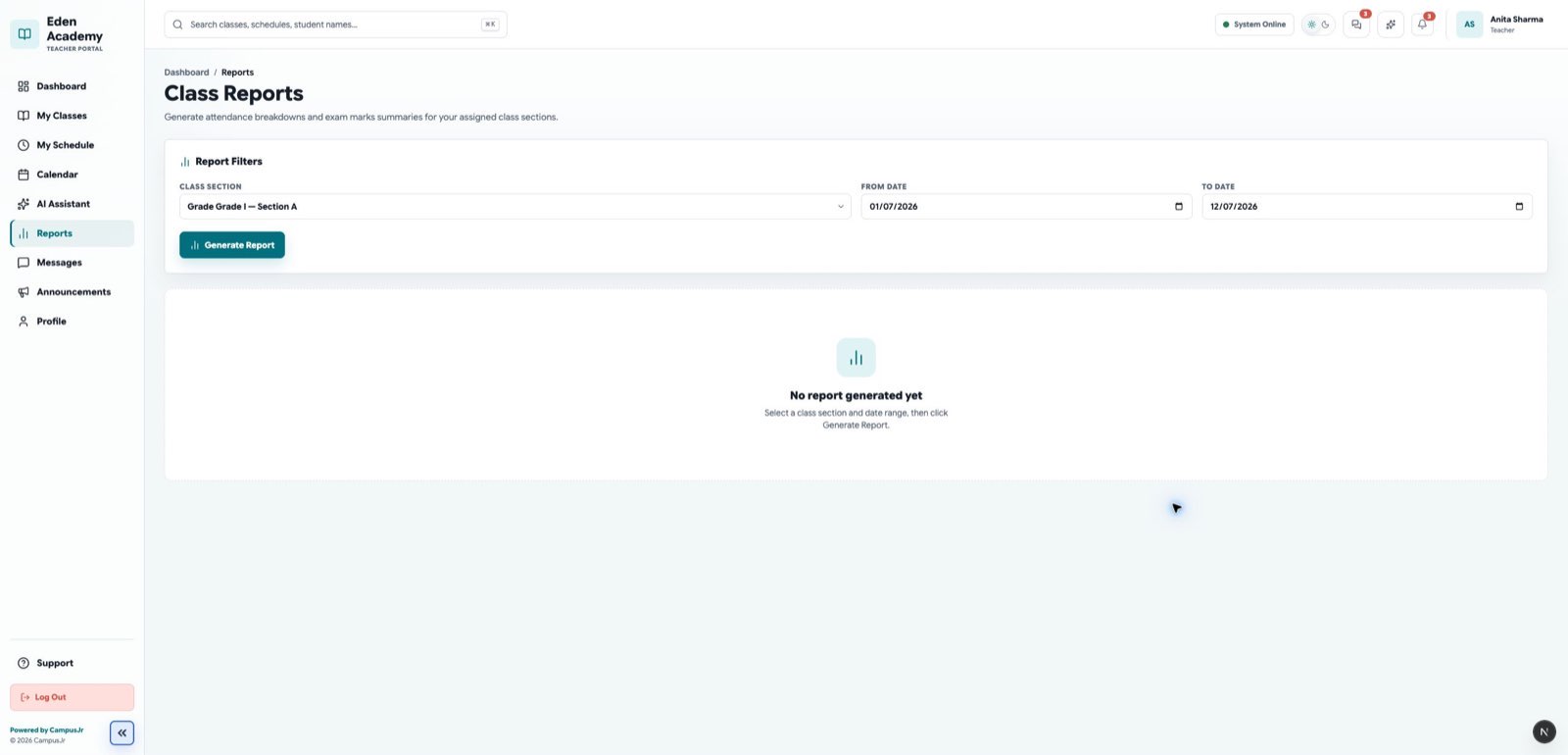
The teacher workspace includes a few supporting areas beyond classroom execution.
Class Reports
- generate attendance breakdowns for assigned sections
- review marks summaries before parent or admin follow-up
- use reports for intervention discussions, not just final review
- compare per-exam averages, highest marks, lowest marks, and pass percentage
Support
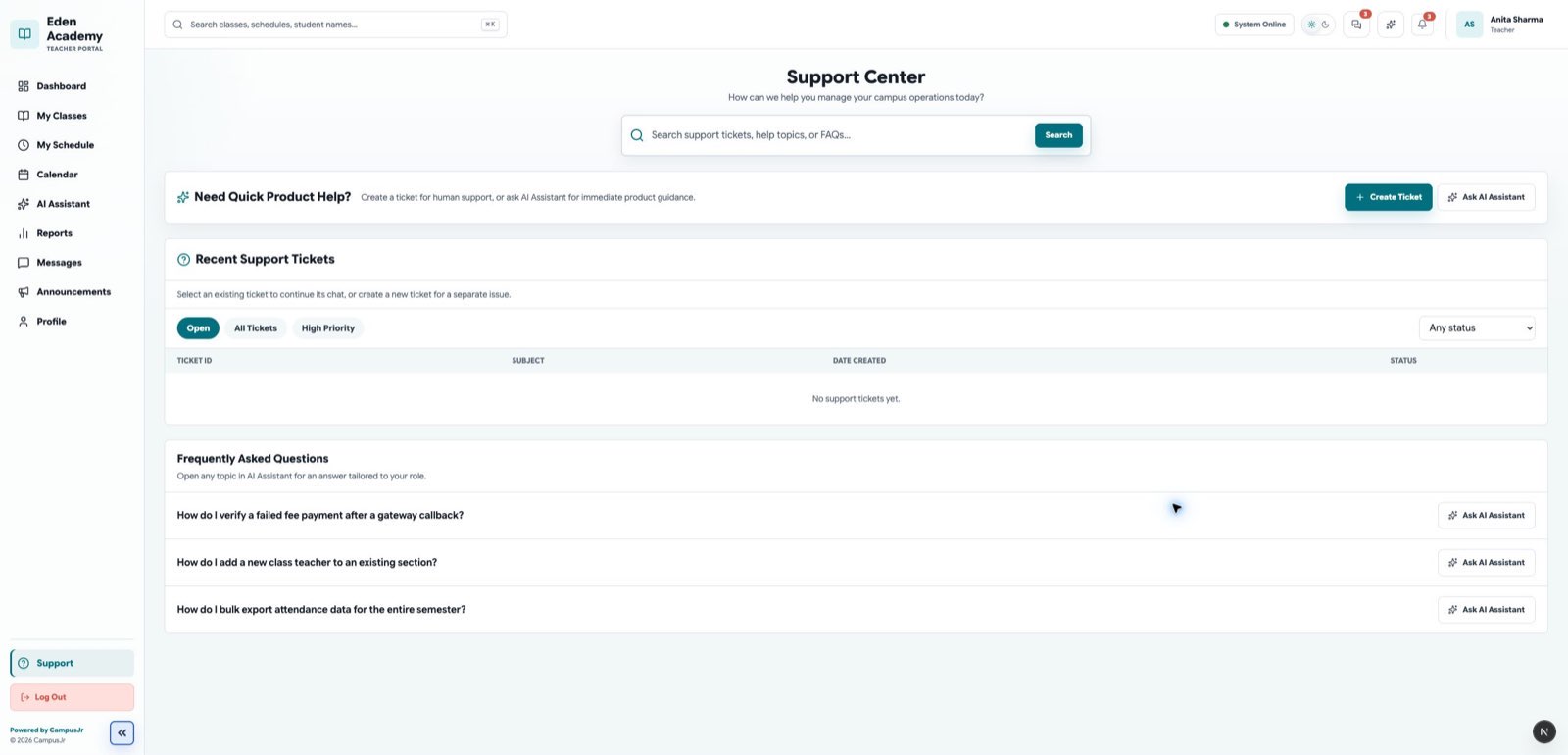
- open support when a product issue blocks class work
- describe the affected section, date, and workflow clearly
Profile
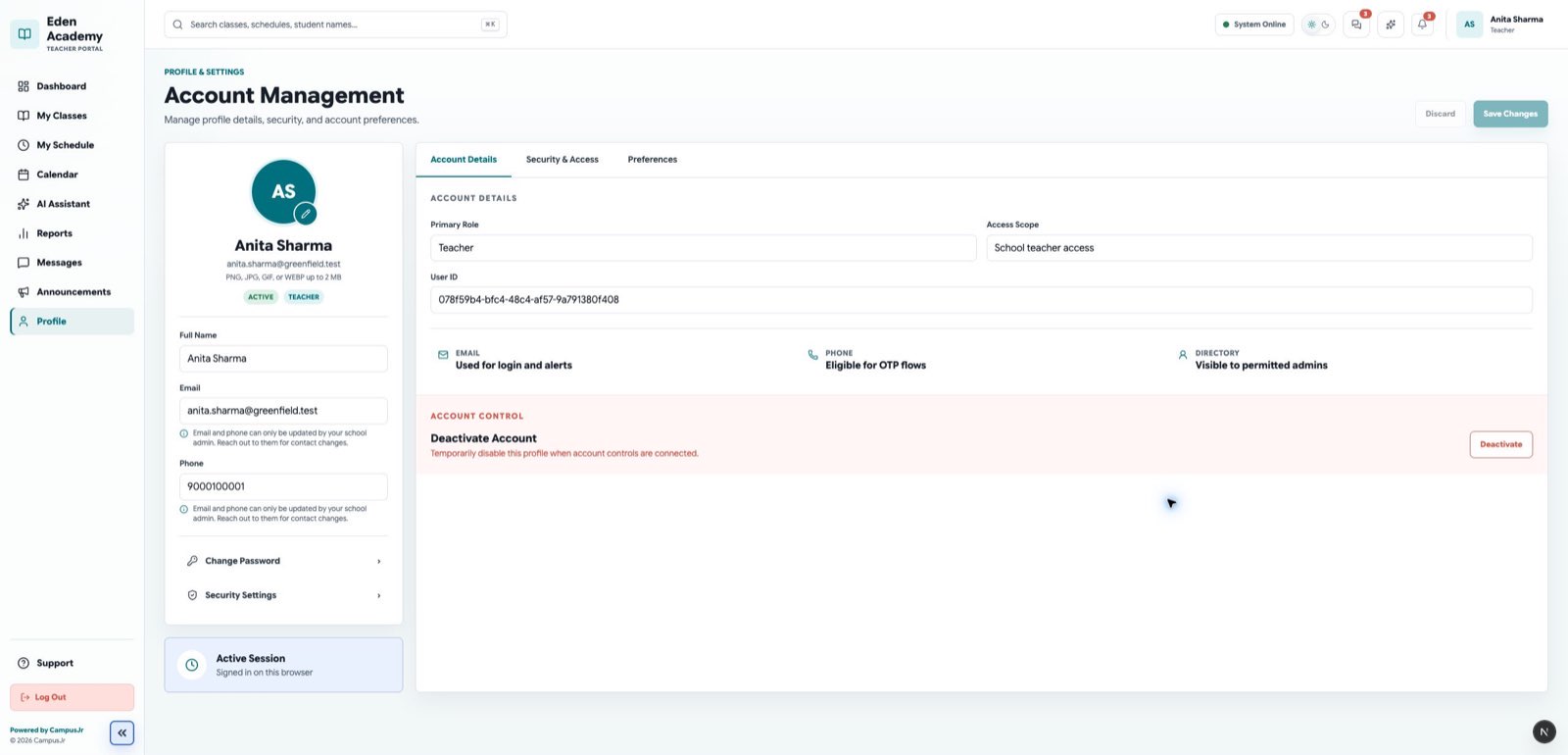
- keep contact details accurate
- review your own account details if login or communication follow-up is needed
Good habits
- Run section reports before escalation meetings.
- Keep support requests tied to one classroom issue at a time.
- Use reports after marks submission to confirm the section-level outcome before asking for unlocks or corrections.