Fee Collection and Transactions
The fee workspaces support both day-to-day collection and detailed follow-up on one student's fee assignment.
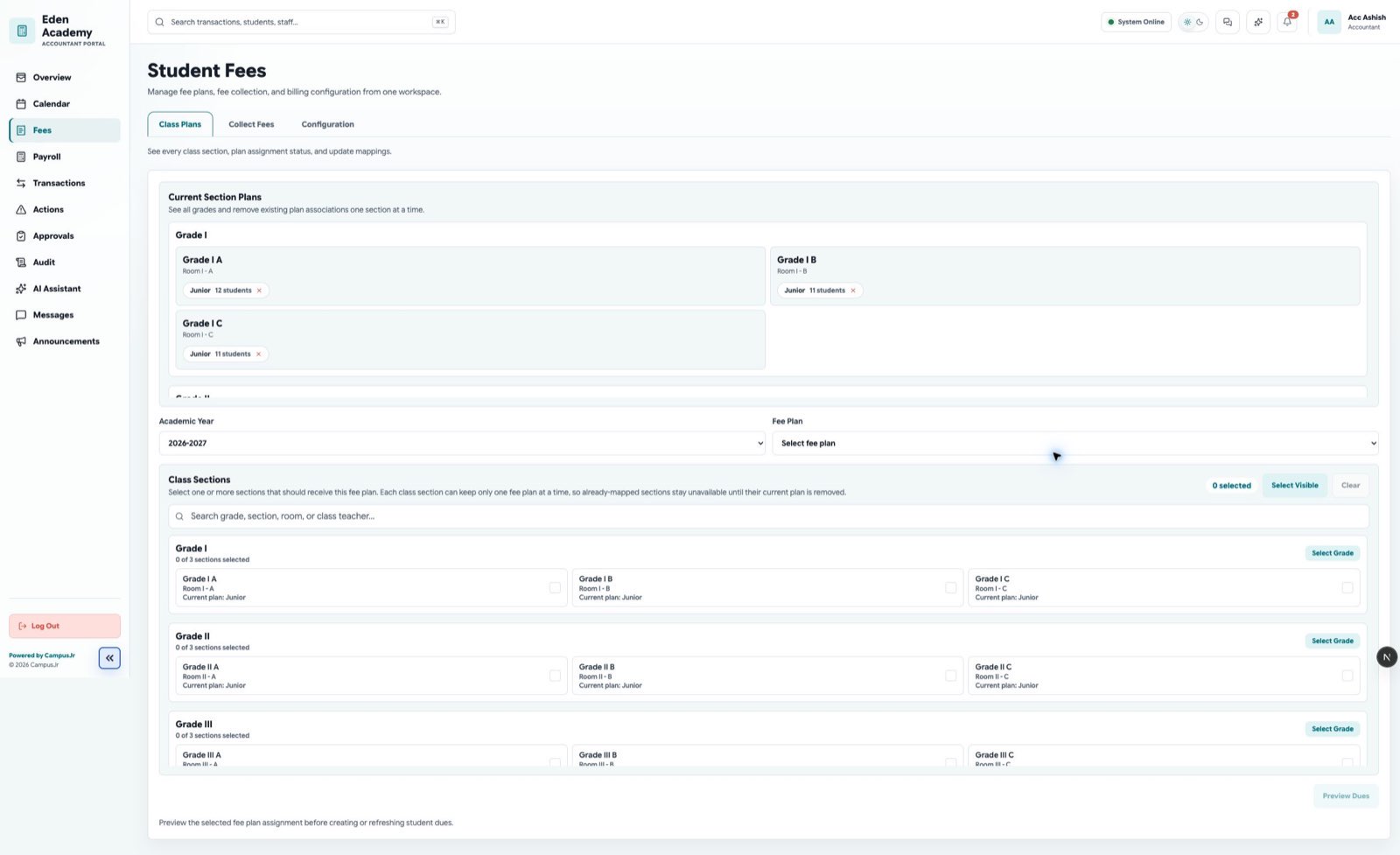
Use the main Student Fees workspace for broad monitoring, then open a specific assignment for reminders, receipts, and payment history.
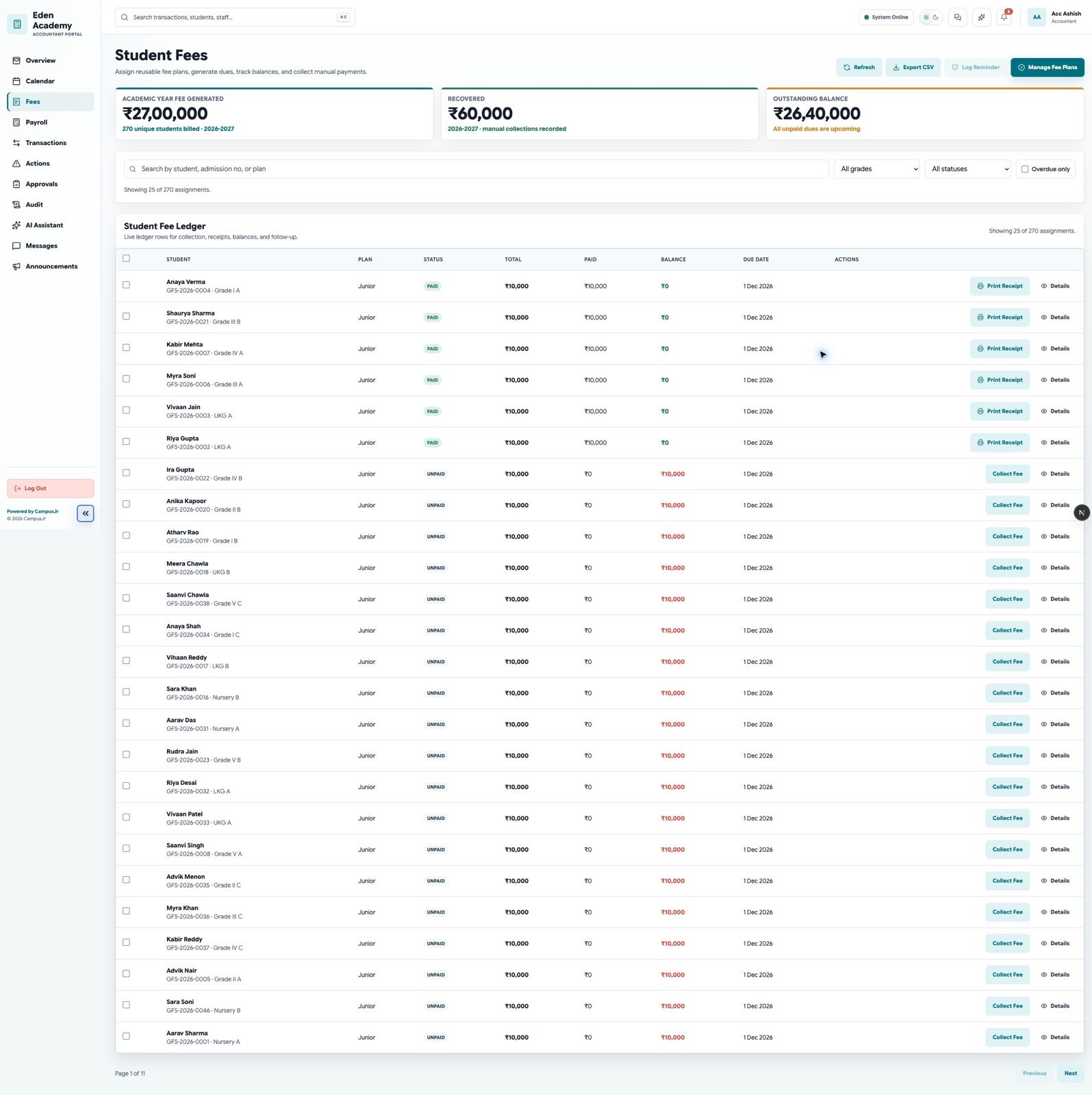
Use the main Student Fees page to
- review balances and due states
- open one student's fee detail
- log reminders
- identify overdue, partial, or failed items
Use Fee Collection to
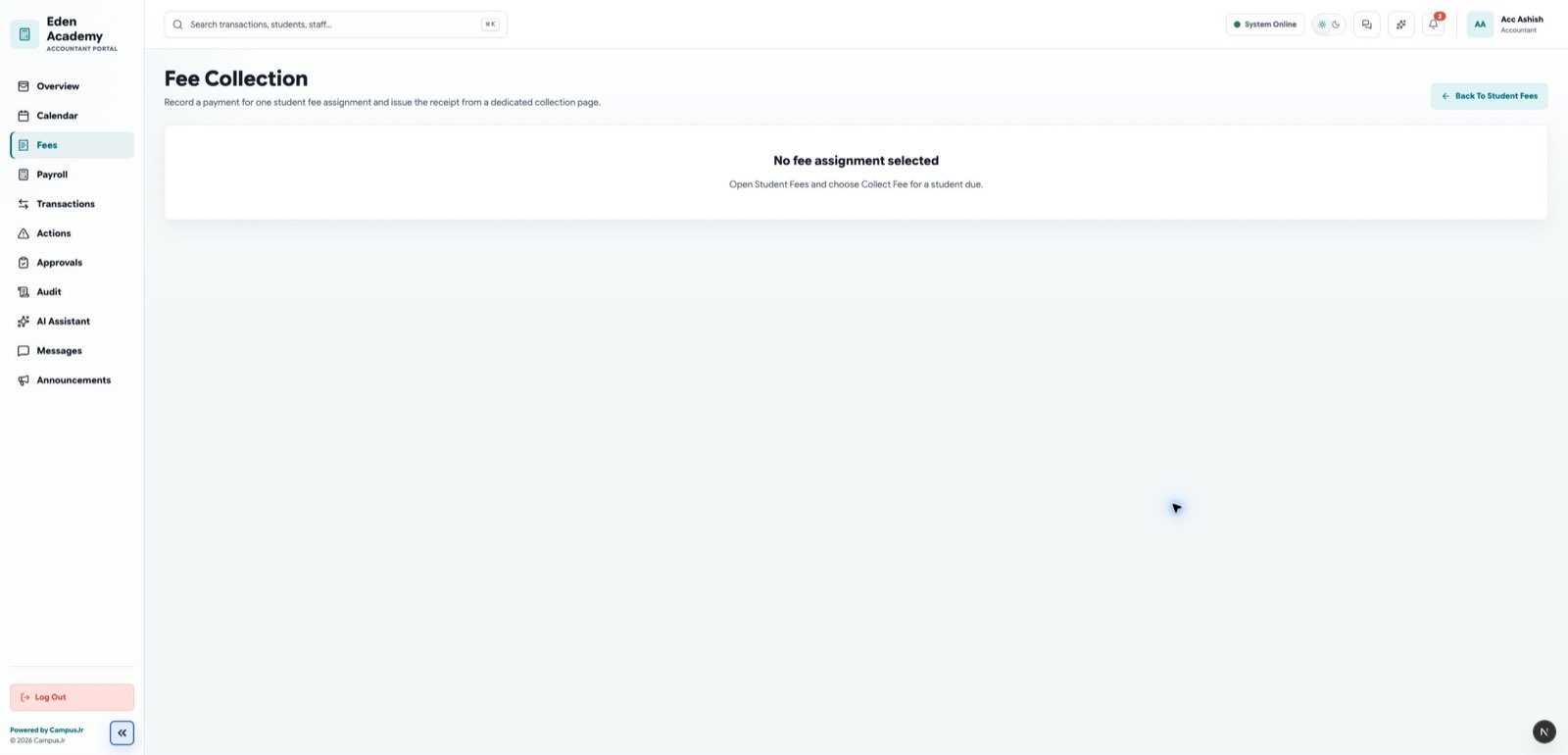
- record one manual payment
- issue the receipt at the time of collection
- confirm the amount against the selected due
Use Transactions to
- review payment activity across the school
- check for recent online or manual activity
- compare receipts and settlement follow-up
Good controls
- Confirm the student and fee plan before collecting.
- Record reminders clearly when a balance remains open.
- Follow up on failed online payments before retrying collection.