Payroll and Approvals
campusJr separates staff payroll from student-fee operations so finance teams can keep the two workflows clean.
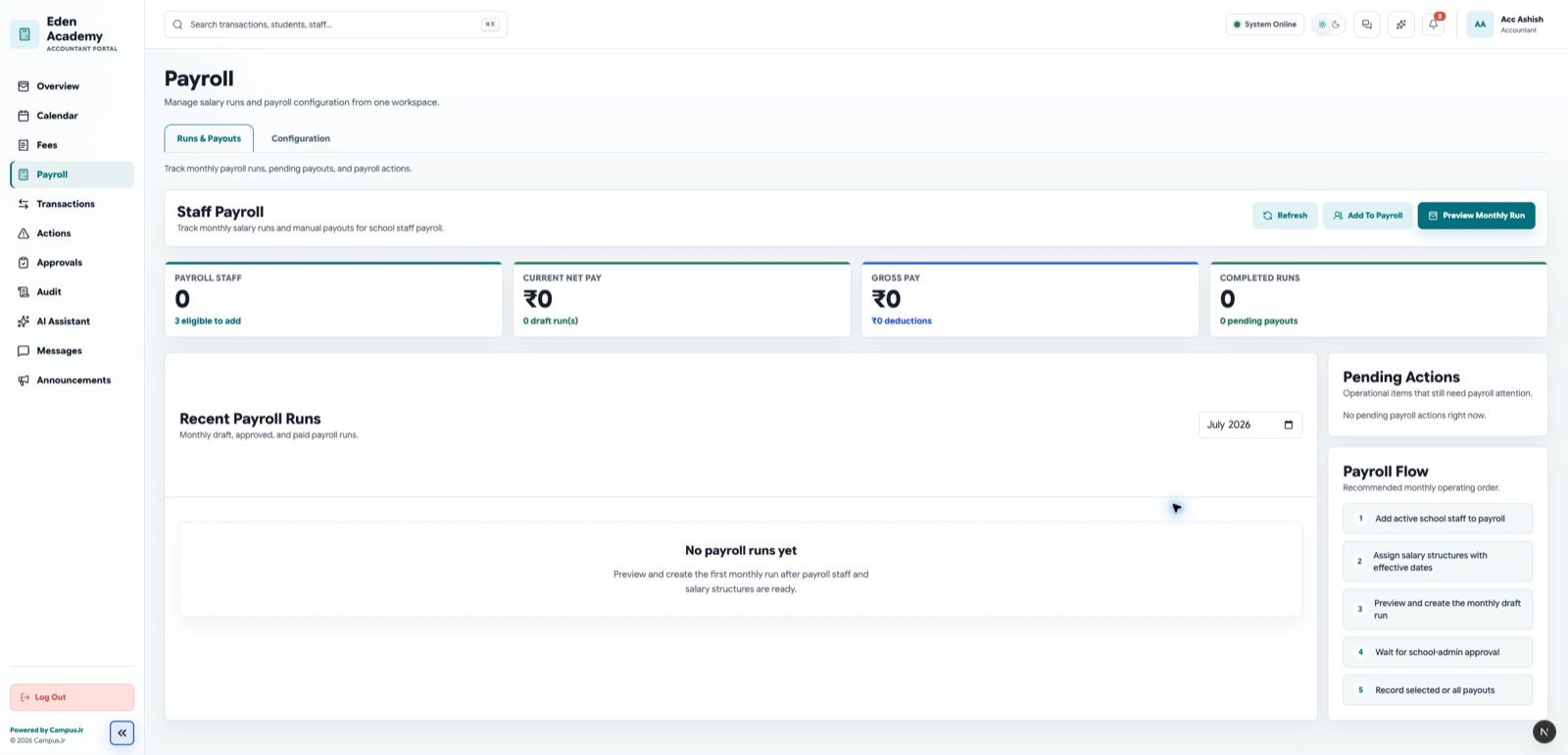
Payroll pages support staff payment work, while approvals and requests keep school-admin oversight in place for sensitive changes.
Payroll workflow
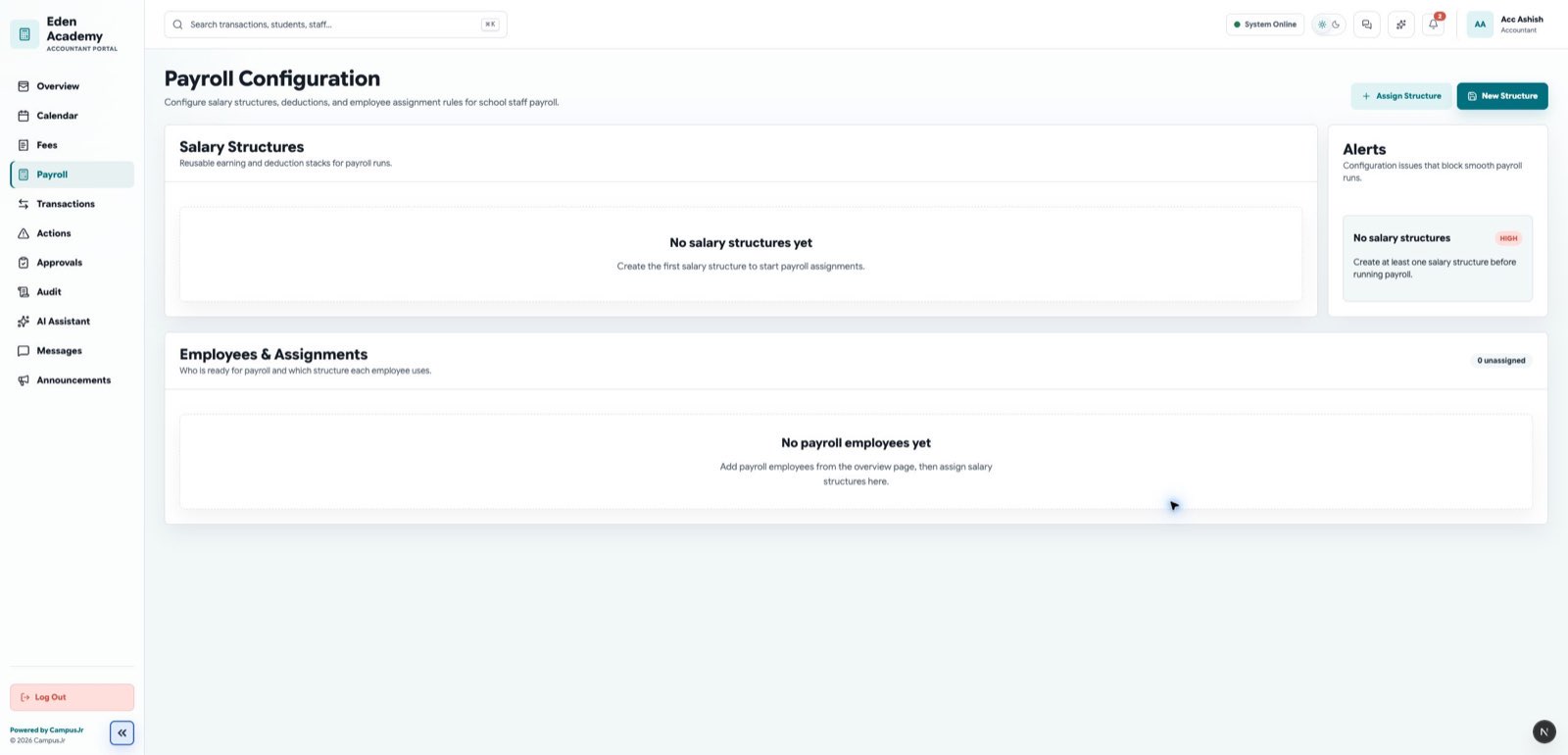
- Prepare staff payroll runs in the payroll workspace.
- Keep payroll configuration current before a run begins.
- Review totals and exceptions before finalizing finance communication.
Approvals and requests
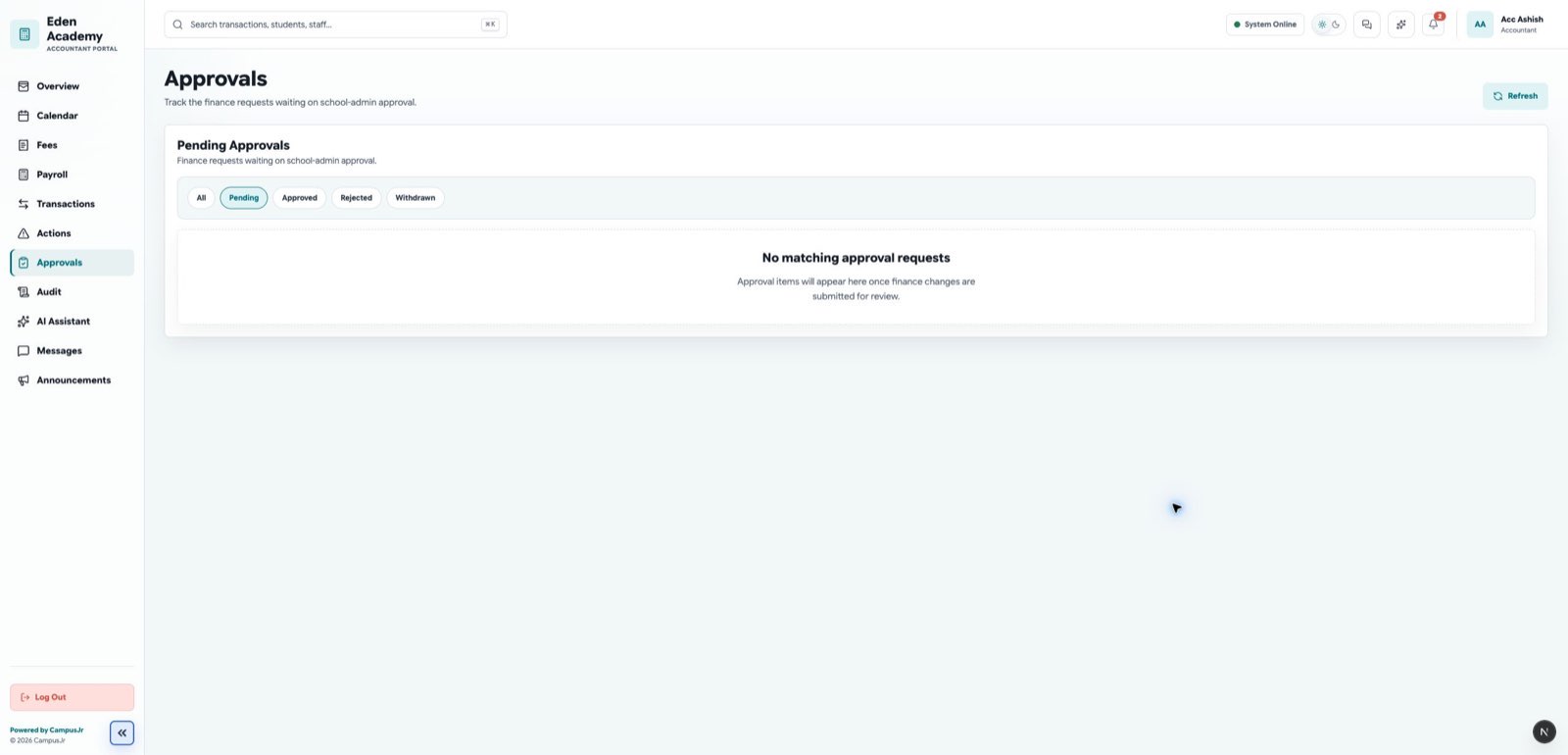
- Use requests or approvals pages when a fee-plan or finance change requires school-admin review.
- Preview the change before sending it for approval.
- Track pending decisions so fee work does not stall.
- Bulk yearly-category assignments are applied immediately and retained as Auto approved records for school-admin review. They are not pending requests and cannot be approved again.
Good habits
- Keep payroll data separate from student-dues follow-up.
- Send approval-sensitive changes early enough to avoid collection delays.
- Coordinate with the school admin when a request blocks a live finance deadline.
- Use the approval history to review the actor, time, decision note, and outcome of immediately applied bulk assignments.