Bulk Import Books
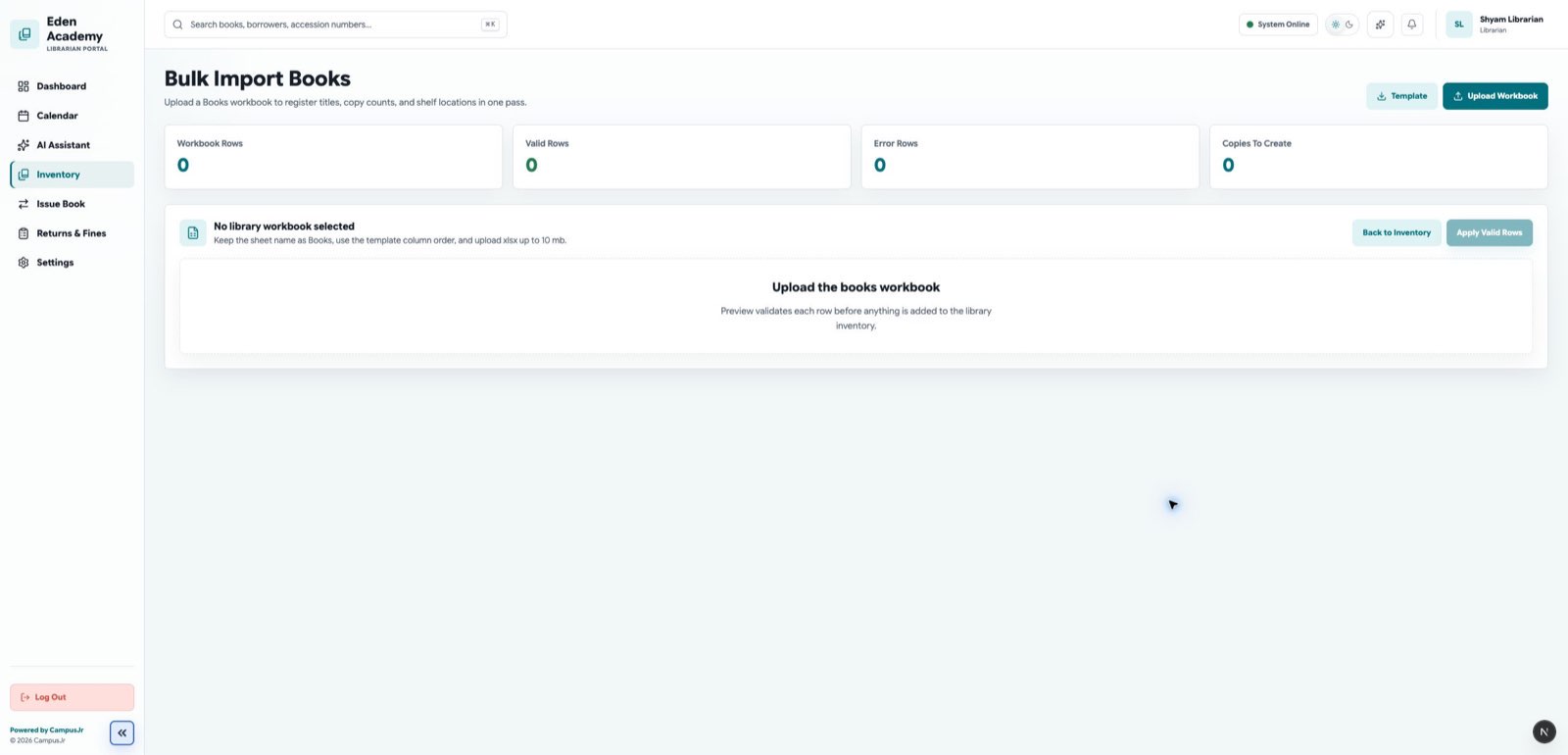
Use the library import workspace when the school needs to register many titles at once.
Workbook scope
The current library workbook uses the Books sheet to create catalog records and physical copies. It does not update existing books in place.
Required columns
TitleAuthorNumber of Copies
Optional columns
Replacement Cost (INR)for lost-book fine calculations- shelf or descriptive details when included in the workbook template
Recommended flow
- Prepare the workbook carefully.
- Upload it to
Librarian > Inventory Import. - Review the preview before applying changes.
- Fix workbook issues and re-upload when needed.
Good controls
- Use the import for new stock registration, not ad hoc edits.
- Keep ISBNs unique where your school uses them.
- Review shelf locations after import if books were staged before cataloging.